# Computed Values
Define dynamic values on your data and display them as virtual fields in the Control Panel. They're like accessors on Eloquent models.
## Overview
Think of computed values as virtual fields that can be composed from any source. You could be grabbing a value from a secondary local database, a 3rd party API, or even by composing a dynamic value from other fields on the entry itself.
## Setting computed values
Inside a service provider's `boot` method, you can configure dynamic computed field data on [Collections](/collections.md) and [Users](/users.md) using the provided `computed()` helper on the relevant Facade.
### On user instances
For example, maybe you wish to return a user's `balance` using a 3rd party invoicing API:
```php
use Statamic\Facades\User;
User::computed('balance', function ($user, $value) {
return InvoicingService::balance($user->email());
});
```
### On entry instances
Or maybe you wish to return a `shares` count on entries within your `articles` collection using a 3rd party social media API:
```php
use Statamic\Facades\Collection;
Collection::computed('articles', 'shares', function ($entry, $value) {
return TooterService::shareCount($entry->permalink);
});
```
If you want to use the same computed value across multiple collections, you may provide an array of collections instead:
```php
use Statamic\Facades\Collection;
Collection::computed(['articles', 'pages'], 'shares', function ($entry, $value) {
return TooterService::shareCount($entry->permalink);
});
```
You can also provide multiple computed values for the same collection using an associative array:
```php
Collection::computed('articles', [
'shares' => function ($entry, $value) {
return TooterService::shareCount($entry->permalink);
},
'likes' => function ($entry, $value) {
return TooterService::likeCount($entry->permalink);
},
]);
```
### Overriding using stored values
The second `$value` parameter in the `computed()` callback function will return a _stored_ value under the same handle, if one exists, allowing you to override computed values if necessary.
For example, maybe you wish to display an article's `subtitle` if one is saved on the entry, otherwise fall back to a truncated version of the entry's `description` value:
```php
use Statamic\Facades\Collection;
use Statamic\Support\Str;
Collection::computed('articles', 'subtitle', function ($entry, $value) {
return $value ?? Str::limit($entry->value('description'), 25);
});
```
### Performance
If you plan on accessing data through a 3rd party API, or even computing values across large data sets locally, it may be beneficial to cache your data.
:::tip
You can use Laravel's [Cache](https://laravel.com/docs/cache#cache-usage) facade to store and retrieve cached values within your computed callback function.
:::
## Getting computed values
Once configured, you can simply access your computed values as properties on your instances (ie. `$user->balance` or `$entry->shares`).
:::tip
Computed values are only available for **top-level** fields. You can't use them inside Replicator or Grid fields. Likewise, computed values can't be queried as they're only evaluated after the query has been executed.
:::
### Showing computed values in the control panel
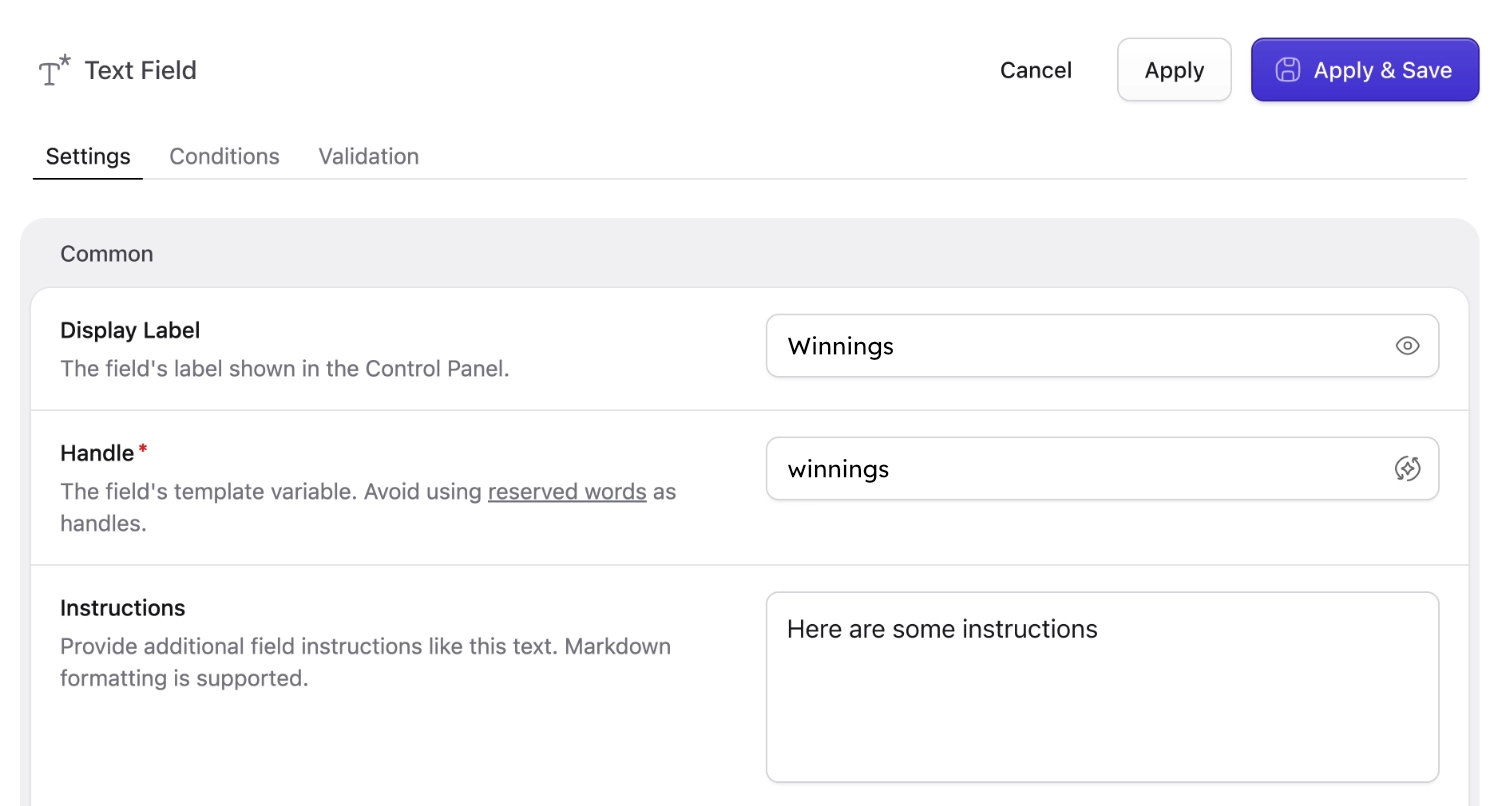
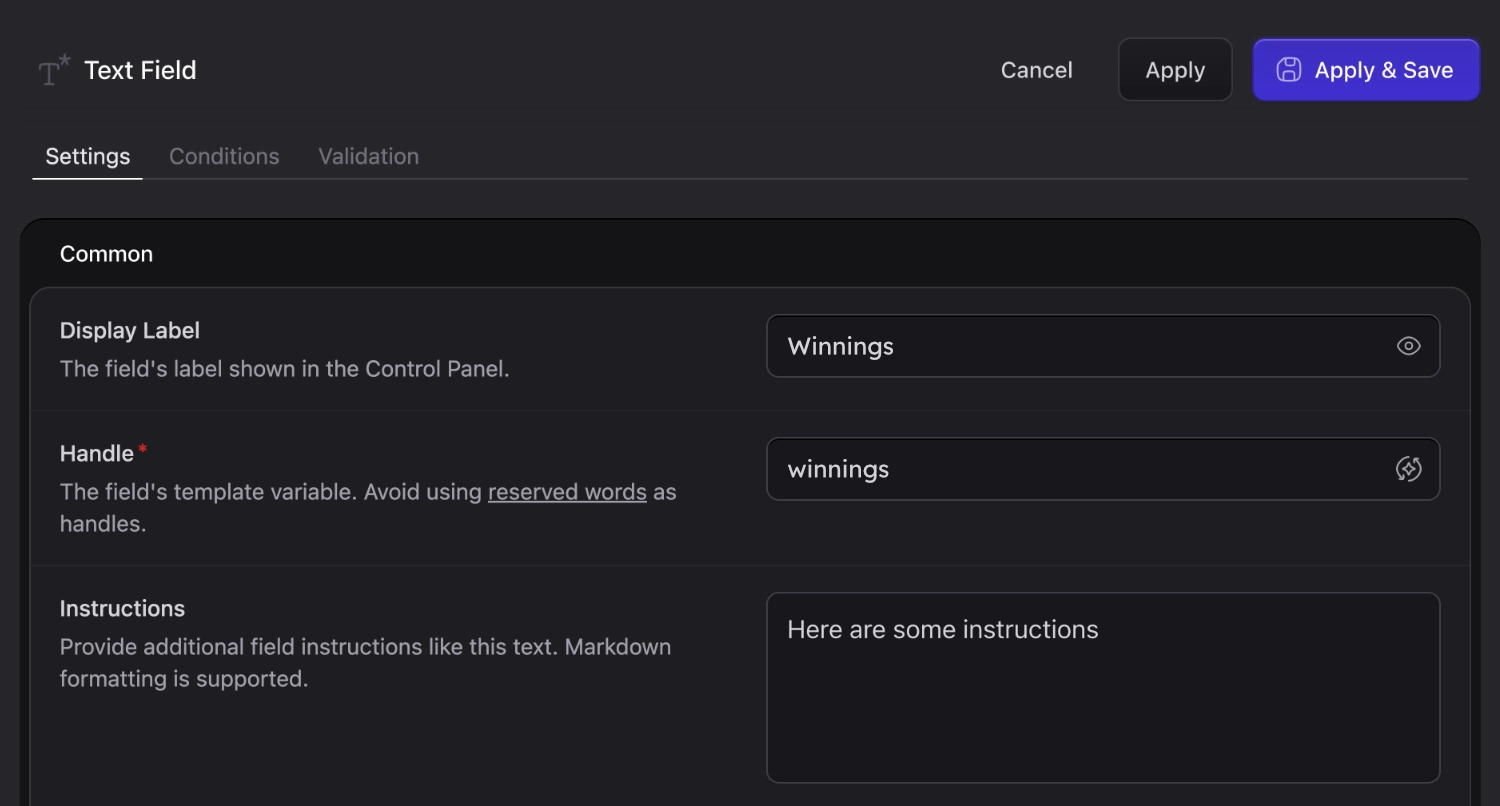
Or view your computed values in the control panel if you configure your blueprint to allow for it. The first step is to add a field with your computed value's `handle`:
Next, set your field `Visibility` to `Computed`. This will ensure your field is displayed on your Publish Form as a read-only field [that will not store any data on save](/fields.md#field-data-flow):
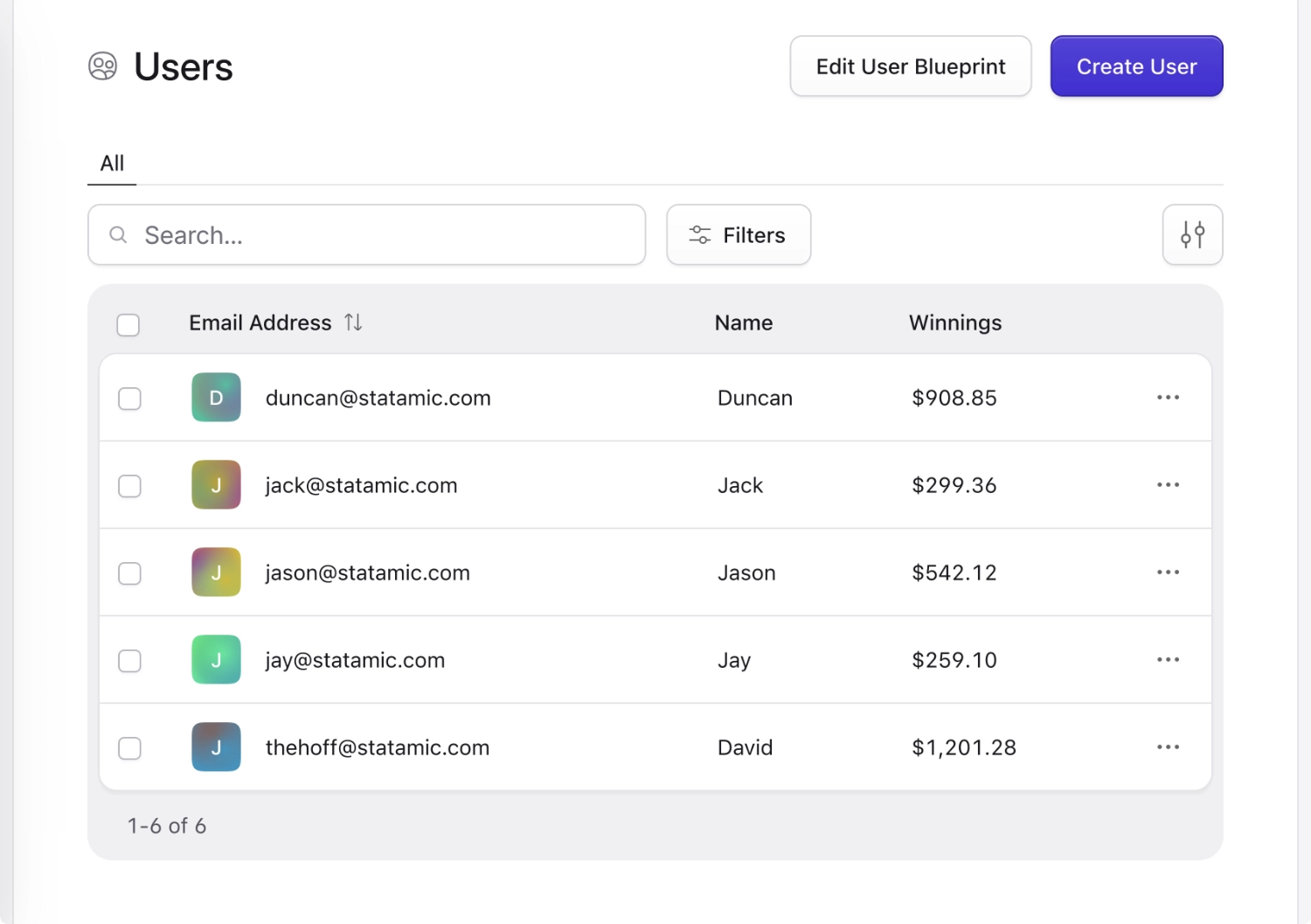
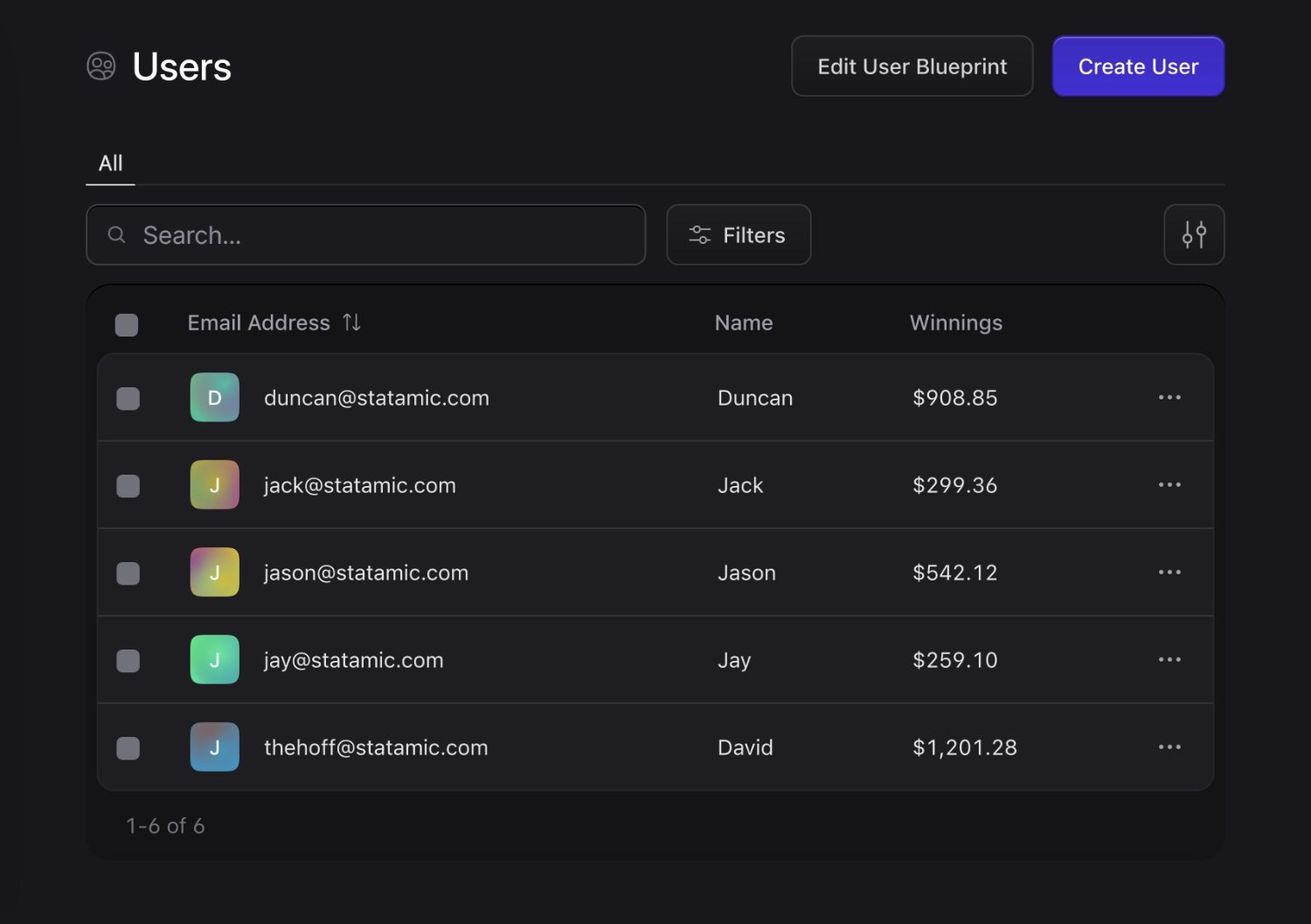
You may also show this field as a column on your listings using the `Listable` setting, as shown above:
One of us didn't win anything, but does he need the money anyway?
## Computed default values
Sometimes you want a field's default value to be dynamic — pulled from a config file, an addon setting, the current user, or any other runtime source. You can register a **computed default** closure and reference it from any field's `default` config.
Register the callback inside a service provider's `boot` method using the `Field` facade:
```php
use Statamic\Facades\Field;
Field::computedDefault('default_timezone', function () {
return config('app.timezone');
});
```
Then reference it from your blueprint or fieldset using the `computed:` prefix followed by the key you registered:
```yaml
fields:
-
handle: timezone
field:
type: text
default: 'computed:default_timezone' # [tl!**]
```
The closure will be resolved each time a new entry is created, so the default stays fresh. Stored values on existing entries are untouched.
:::tip
Computed defaults are great for addon authors — register a default that reads from your addon's settings so users see a sensible initial value without hardcoding it into every blueprint.
:::