# Globals
Global variables store content that belongs to the **whole site**, not just a single page or URL. Globals are available everywhere, in all of your views, all of the time. Just like the memory of eating your first hot pepper. 🌶
## Overview
Globals are intended to be used for **reusable content** or content that **belongs to the site** and not just one page.
- Company phone number, address, and logo
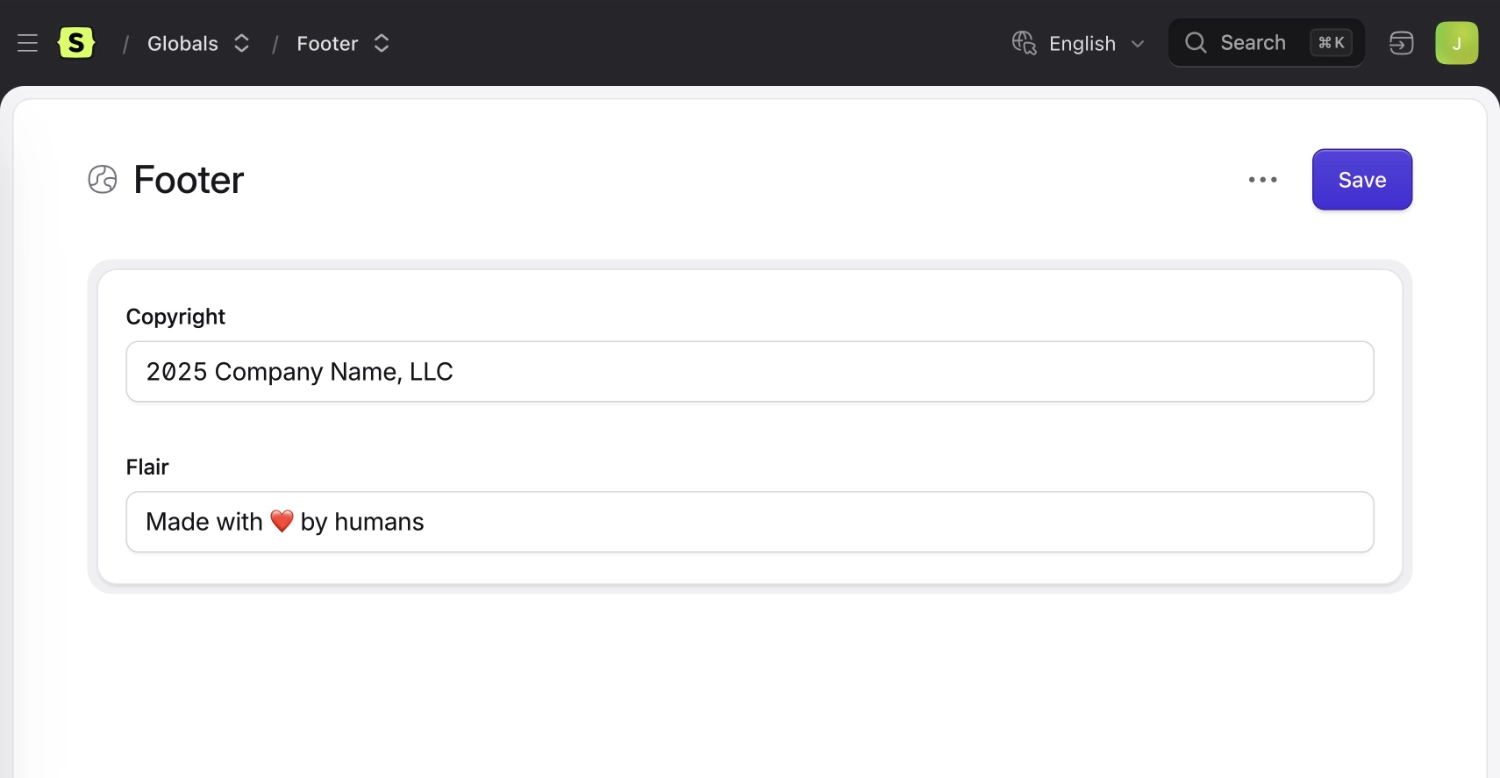
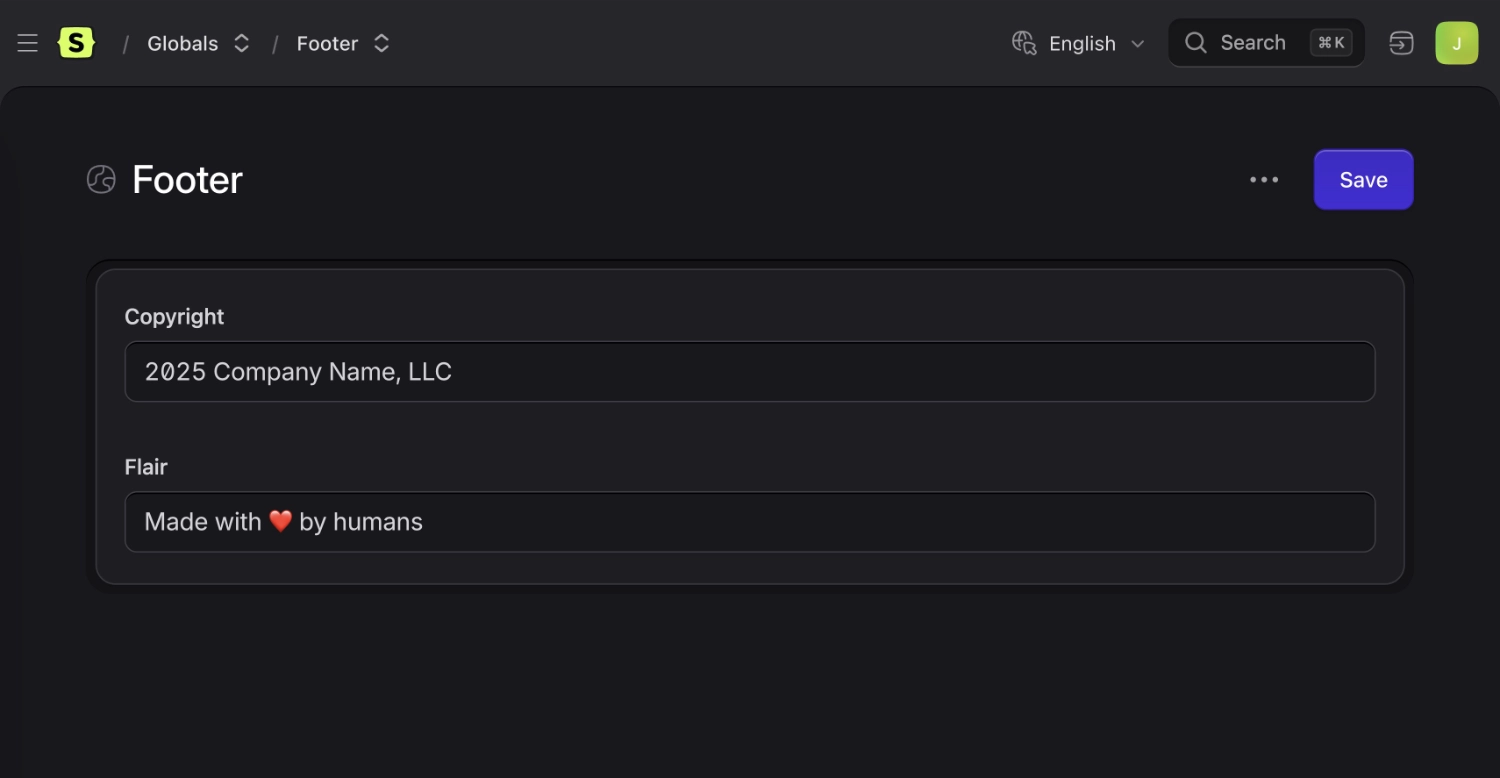
- Footer content
- Customer quotes or testimonials
- Site settings (e.g. on/off toggles for various features)
- Success and error message text
## Global sets
Globals are organized into "sets", each containing [fields](/fields.md). This convention helps you keep groups of globals together and stay organized. Each set also acts as a "scope" for templating purposes.
Global Set
## Storage
Globals are stored in the `content/globals` directory.
``` files theme:serendipity-light
content/
globals/
global.yaml
footer.yaml
default/
global.yaml
footer.yaml
```
The `content/globals/{handle}.yaml` file contains metadata about the global set, like its title. While, the actual data for the global set is stored in `content/globals/{site}/{handle}.yaml`.
``` yaml
# content/globals/footer.yaml
title: Footer
```
```yaml
# content/globals/default/footer.yaml
copyright: 2021 Neat Fake Company, LLC
flair: Made with ❤️ by humans
```
## Frontend templating
::tabs
::tab antlers
In this example all of the variables inside a `footer` global set will be accessed through `footer:`.
```antlers
```
::tab blade
In this example all of the variables inside a `footer` global set will be accessed through `$footer->{$var_name}`.
```blade
```
::
If you only have one default global set (which we named "Globals" because it cannot get any simpler), _the scope is optional_. You can access them with either `{{ var_name }}` or `{{ global:var_name }}`.
## Blueprints are optional
If you don't explicitly create a [Blueprint](/blueprints.md) for your global set, Statamic will treat each key in the YAML file as a text variable. Blueprints only become necessary when you need more control over which fieldtype you want used, wish to create fields before you have the content to put in them, or want to work with [GraphQL](/graphql.md)
If you _do_ want a blueprint, you can configure it in the Control Panel's Global Settings. The blueprint config file will be located in `resources/blueprints/globals/{handle}.yaml`.
Unrelated, "Lorem Ipsum" is an adorable name for a little girl.
## Localization
When running a [multi-site](/multi-site.md) installation, you can have globals existing in multiple sites with different content.
[Read about localizing globals](/tips/localizing-globals.md)
## Ideas on how to use globals
Here are a few more ideas what you can use globals for:
- **Theme or design settings**, with [assets fields](/fieldtypes/assets.md) for logo, and favicon and [colors fields](/fieldtypes/color.md) to set brand colors.
- **JavaScript embed codes**, using a [replicator field](/fieldtypes/replicator.md) to add any number of [textarea fields](/fieldtypes/textarea.md) for analytics, pixel trackers, and other "copy and paste this before the `
` tag" type things
- **Interactive text-adventure games**. Not really sure how you'd do it honestly, but we'd like to see someone try.