# Revisions
Revisions adds an entire publishing workflow to your authoring process. You can create revisions, review and rollback to previous revisions of your content, and more.
## Overview
Revisions is Statamic's publishing workflow feature which provides different _states_ and corresponding behaviors for your entries — published, unpublished, working copy, and revision.
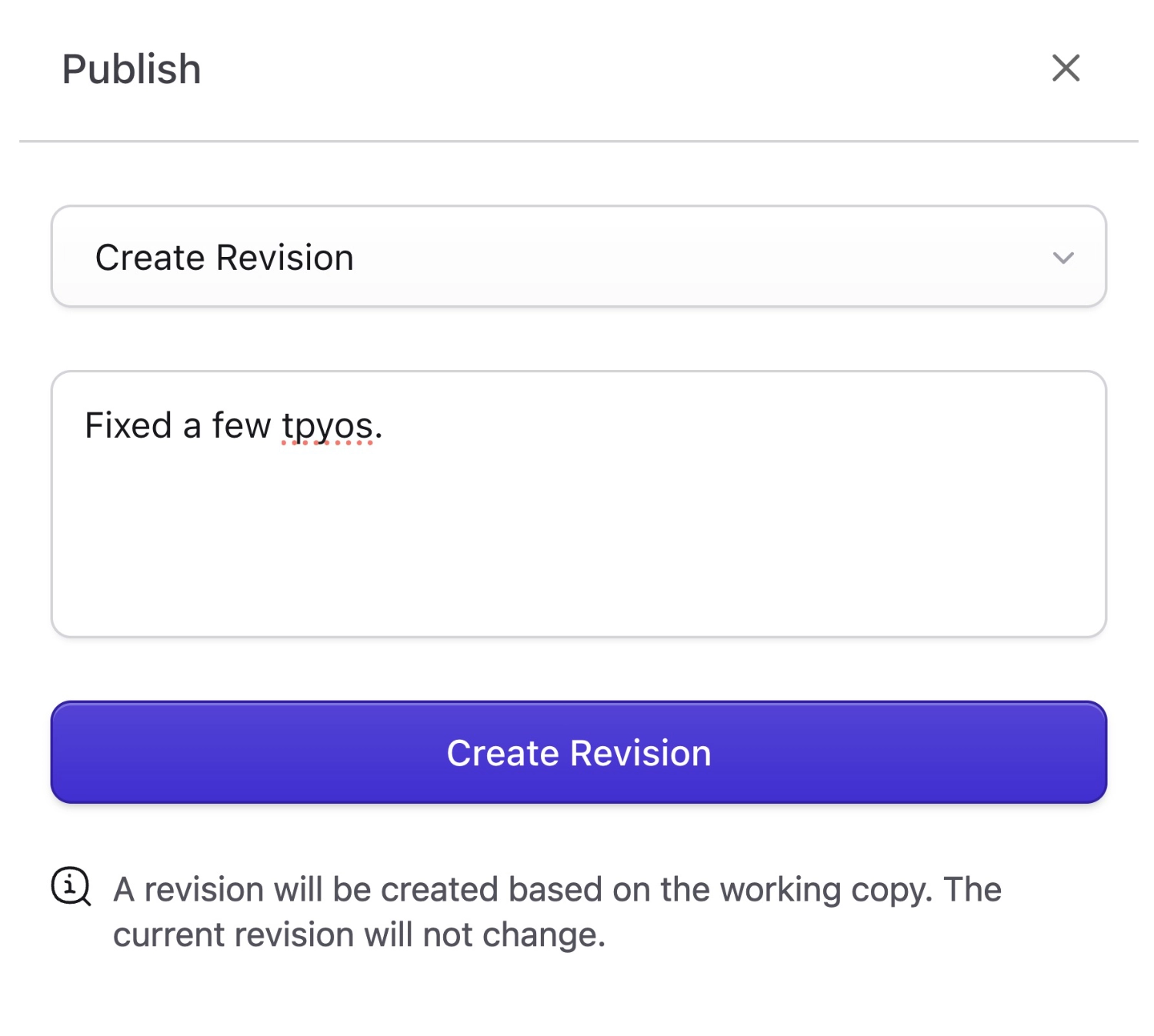
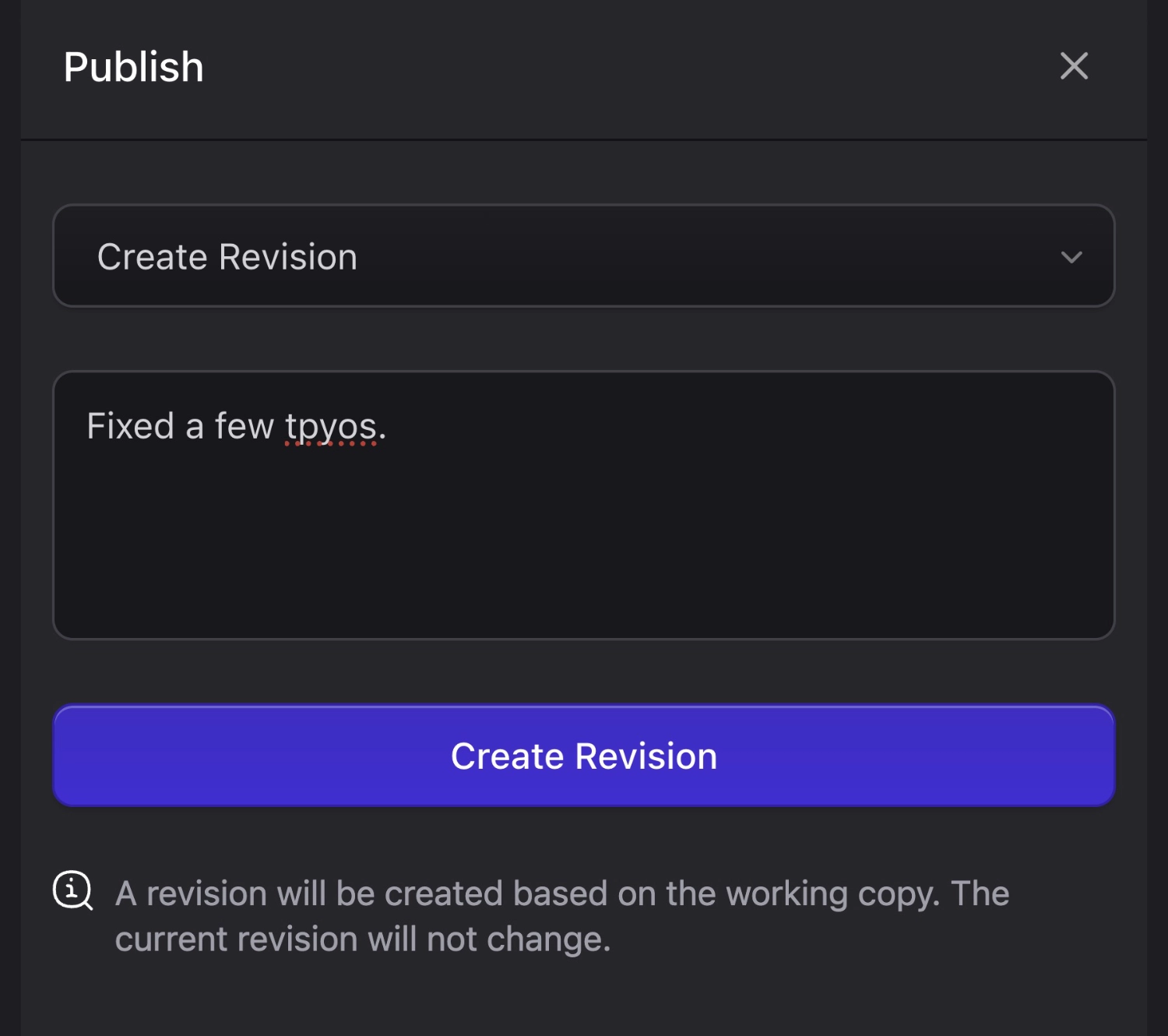
Leave notes describing your updates. Kinda like Git!
## Enabling
Revisions is a **Pro feature**, make sure you've [enabled Pro](/licensing.md).
Enable revisions globally by setting `STATAMIC_REVISIONS_ENABLED=true` in your `.env` file. Now you can set `revisions: true` on any or all collections you'd like to use revisions.
:::best-practice
We recommend leaving Revisions **off** while your site is in development. It'll add extra steps to each update to your content, slow you down, and you'll probably end up annoyed by what's actually a really awesome feature.
:::
## Storage
Revisions are tucked away in the `storage/statamic/revisions` directory by default. Out of the box, this directory is ignored by Git. If you want to version control your revisions, you could tweak the `.gitignore` file, however a better solution would be to move the directory to somewhere more visible:
``` php
// config/statamic/revisions.php
'path' => base_path('content/revisions'),
```
## Revision states
### Unpublished
A new entry begins in the unpublished state. As long as your entry _remains_ unpublished, you're simply working directly on the entry located in your content/collections/{collection} directory. It will not be visible from the front-end of your site until it's published, and you can save a revision at any point.
### Revision
Revisions are [stored as YAML files](#storage) and include all the data for your entries at the time of revisions, including additional meta data about the author, timestamp, and so on.
Revisions can be previewed and restored as the [working copy](#working-copy) so you can edit and/or publish them if you wish.
### Working Copy
The working copy, if you have one, is stored along with your revisions. At no point do you ever directly edit and save changes to the published (aka "live") entry.
### Published
Publishing an entry will create a revision, at which point any additional changes to your entry will be stored on the _working copy_ until you choose to publish them. This will let you collaborate and improve existing content without pushing changes live or dealing with feature branches in git (something beyond most content writers and editors).
### Unpublishing
Unpublishing an entry will create a revision and remove it from the front-end, at which point you begin working directly on the entry again.
## History
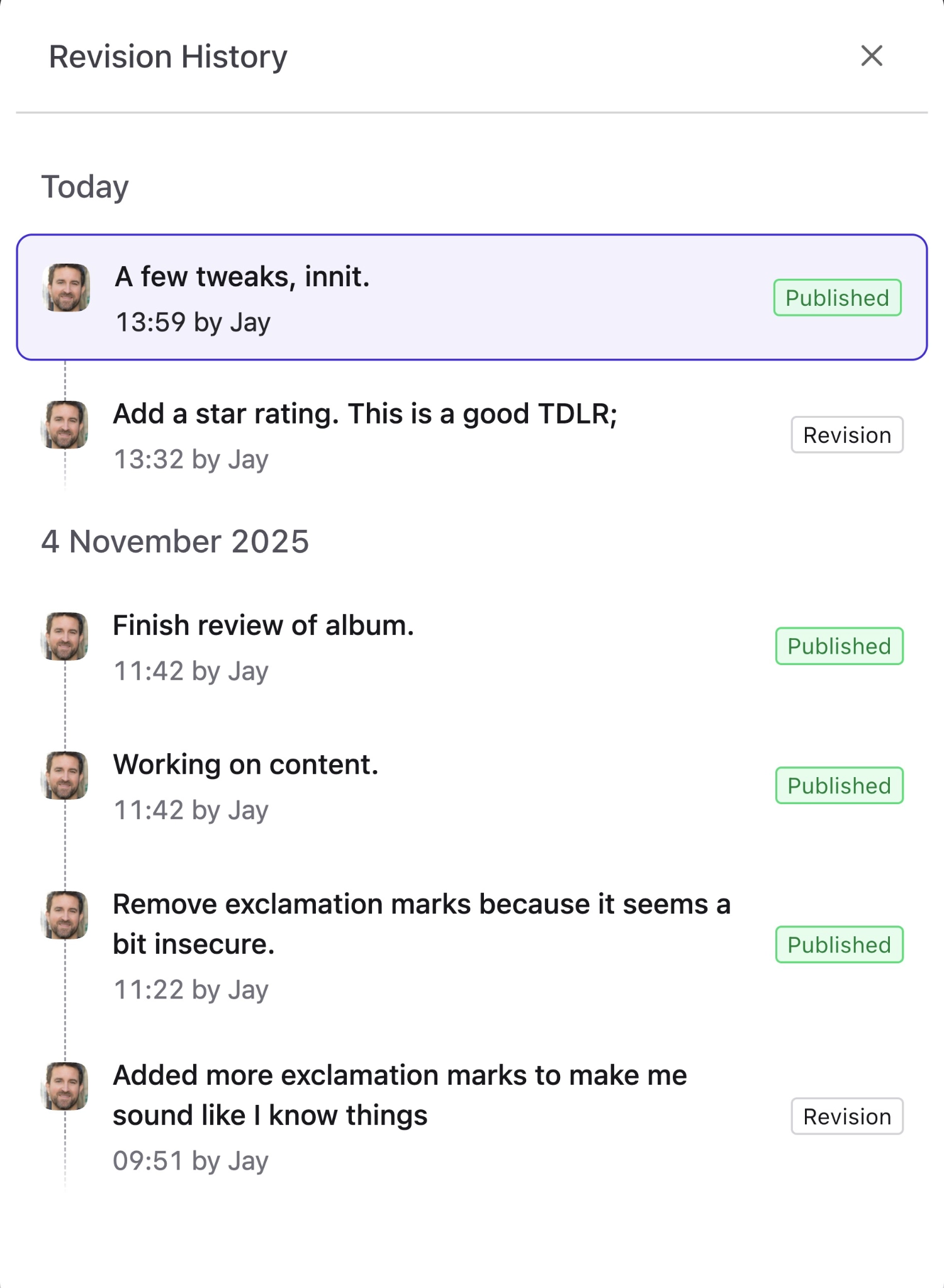
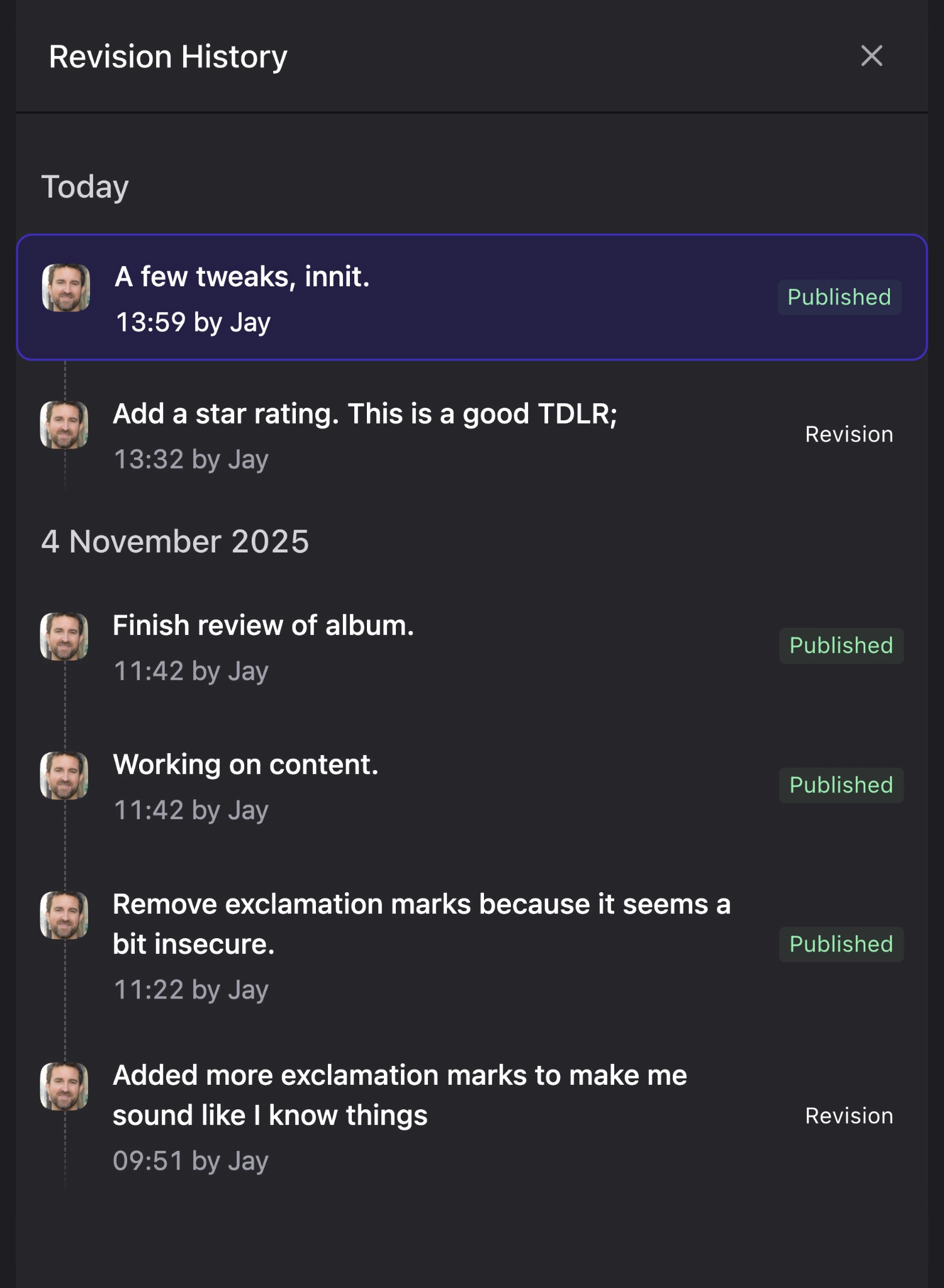
The history view will show you all revisions, publish, unpublish, and restore states, and let you preview and restore from any previous point of the entry.
This is your revision history. You can tell because it says so.
## Workflow
For those interested in the super-granular details, here is the result of each possible state change:
### Saving an *unpublished* entry
- No revision is created.
- The actual entry is saved.
- The actual entry is considered the working copy.
### Saving a *published* entry
- The working copy is saved.
- The actual entry is _not_ saved.
### Publishing an entry
- The entry gets updated with the contents of the working copy, marked as published, and saved.
- A revision is created.
- The working copy is deleted.
### Unpublishing an entry
- The entry is marked as unpublished, and saved.
- A revision is created.
- The working copy is deleted.
### Manually creating a revision
- A revision is created.
### Restoring a revision while the entry is *published*
- The working copy is updated to the contents of the revision.
- The actual entry is left untouched.
### Restoring a revision while the entry is *unpublished*
- The actual entry is updated to the contents of the revision.
- The entry is left unpublished, even if the selected revision was published.