# Preferences
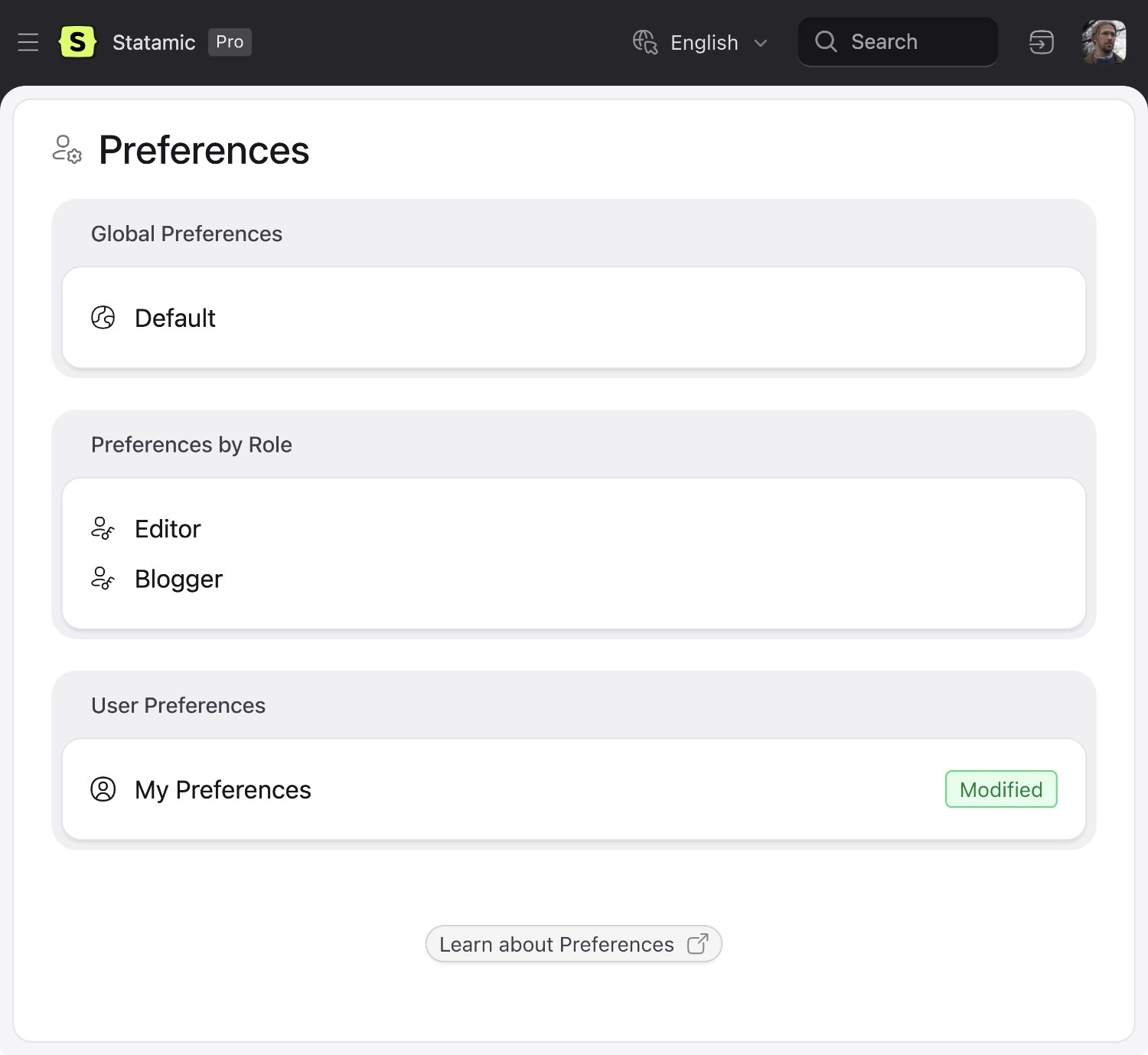
Preferences are easy to manage settings available from and generally affecting only the inside of the control panel. They can be set differently per-user, role, and globally.
Where application configuration lives in PHP config files, preferences can be accessed from the control panel where they can be edited by clients or users. The actual preferences themselves are stored in YAML files, whether on the user, role, or [default preferences file](#storage).
## Accessing preferences
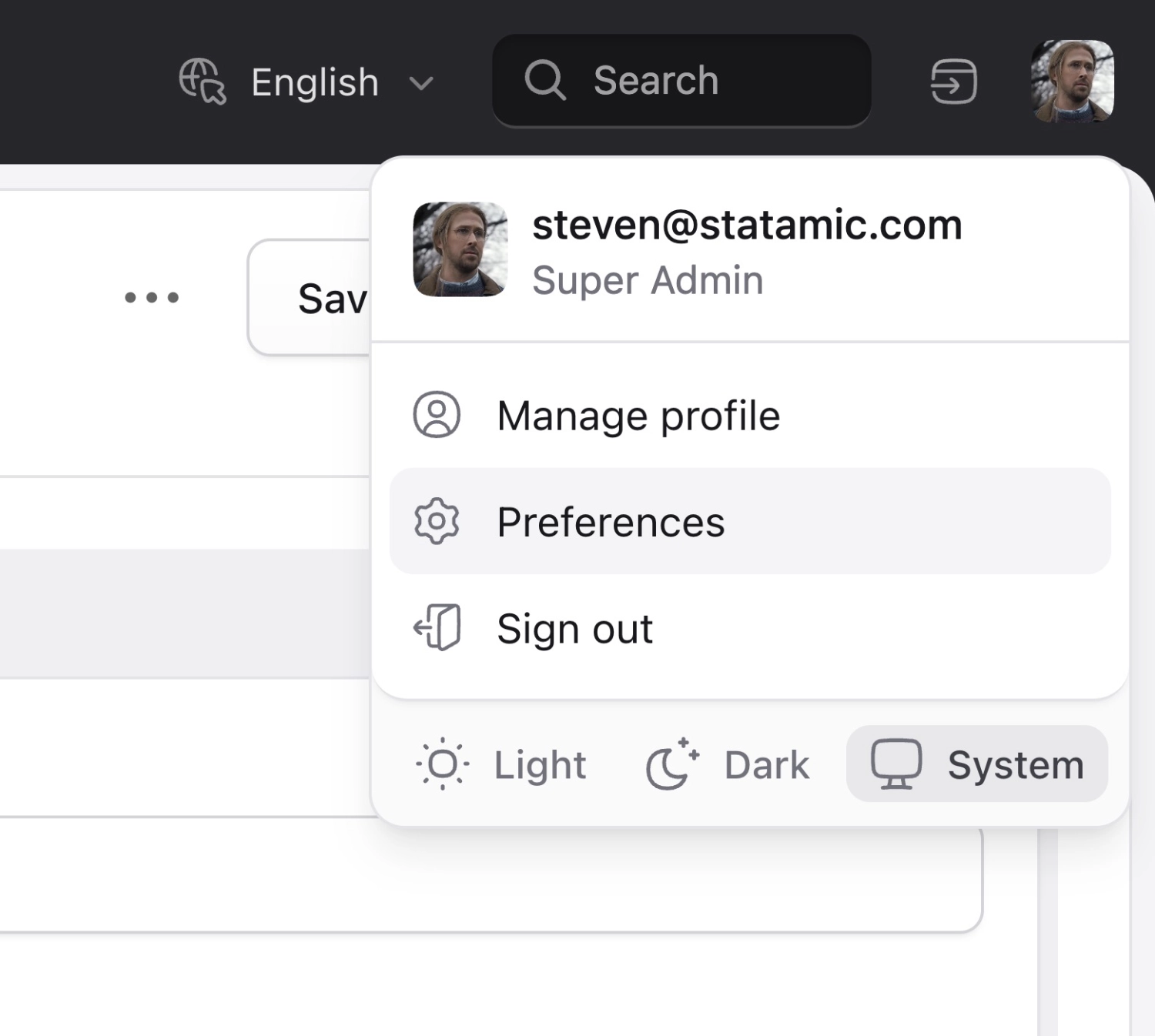
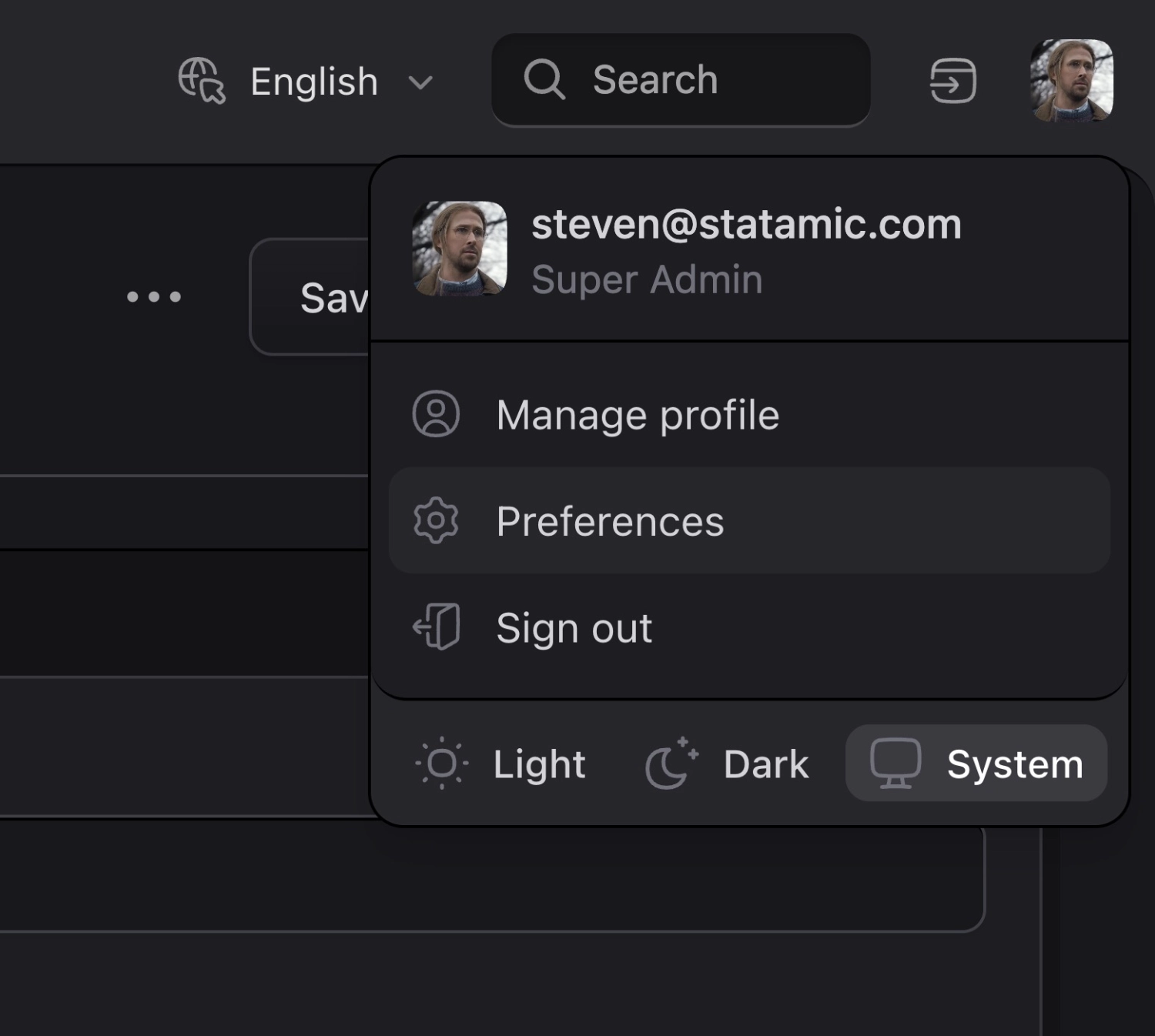
Users can access preferences through the cog icon in the upper right hand corner of the CP.
Manage your own preferences!
## Customizing preferences for other users
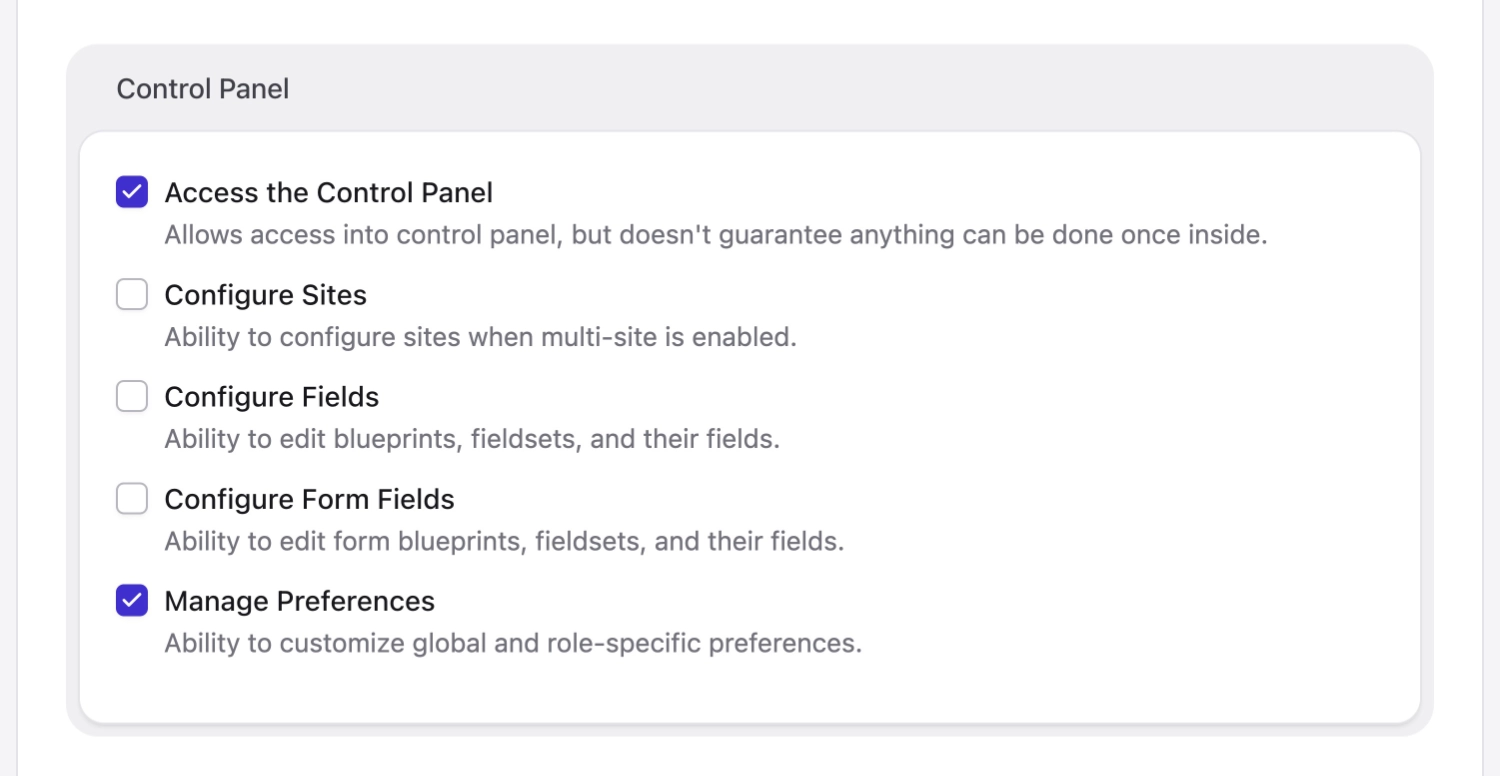
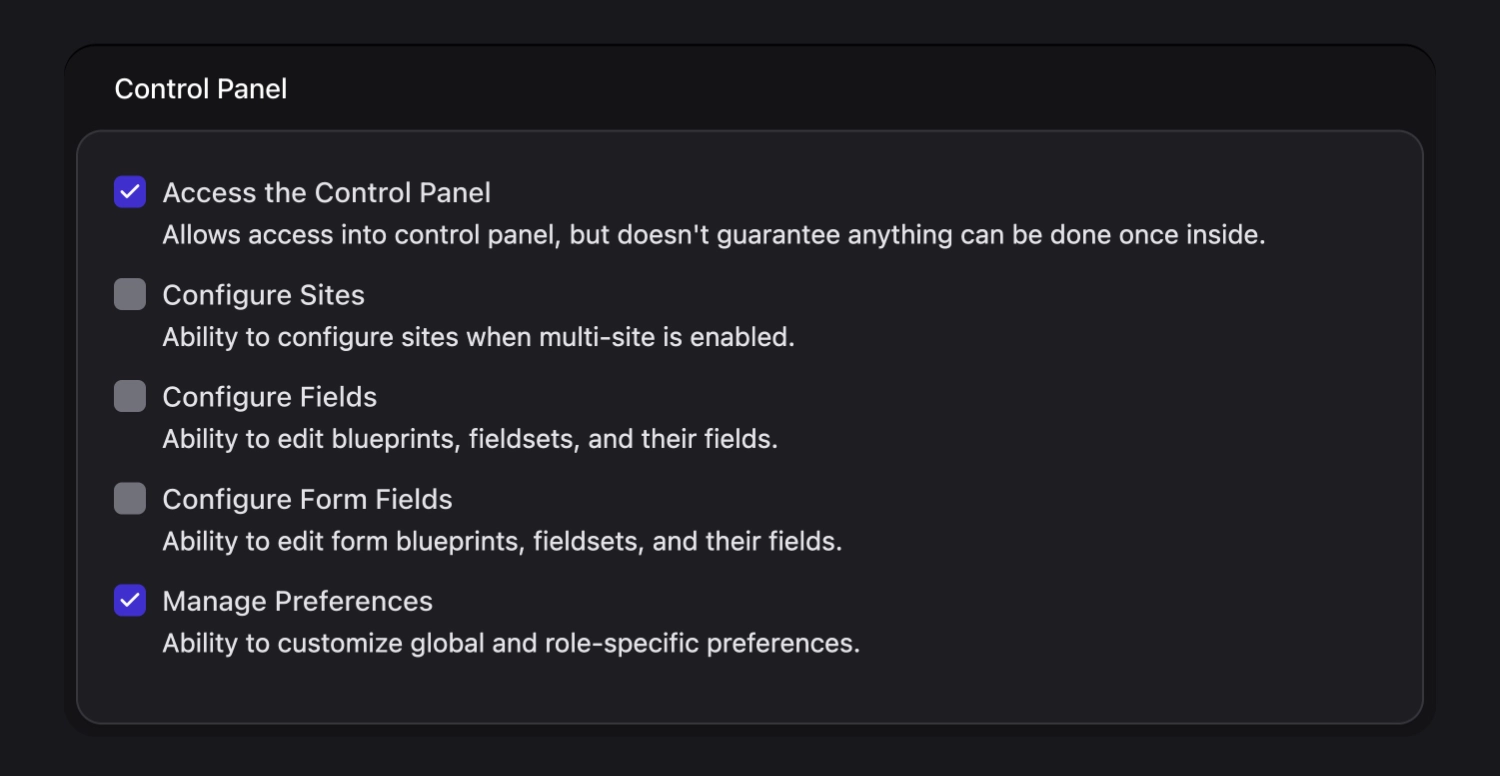
In order to customize preferences for other users, you must first enable [Statamic Pro](/tips/how-to-enable-statamic-pro.md), and you must either be a super user or have permissions to manage preferences.
Are you rad enough to manage global preferences?
This will allow you to customize the default preferences for all users, or on a role-by-role basis, though end-users will still have the ability to further customize their own CP nav as they see fit.
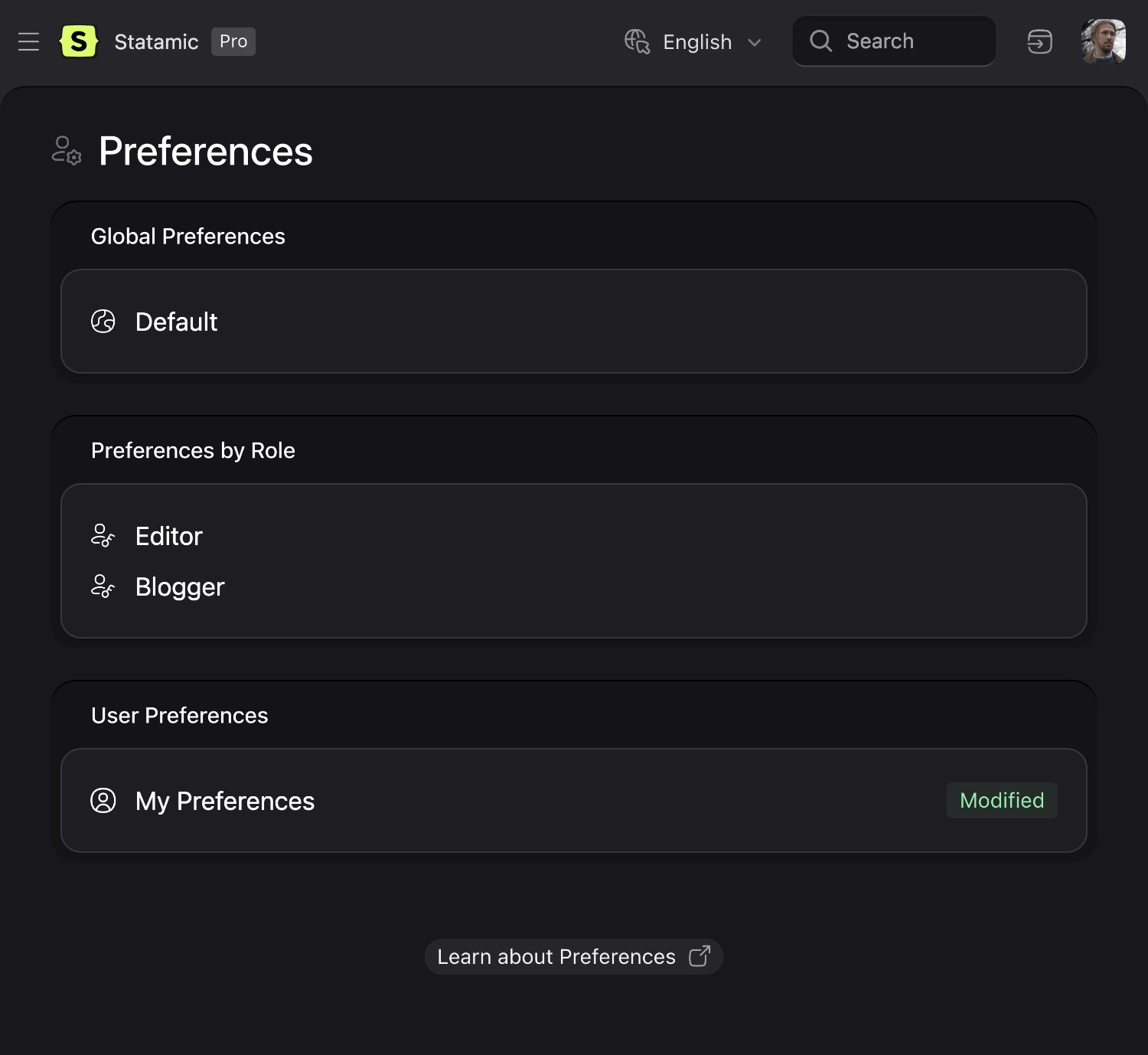
Manage the preferences for other users!
## Precedence
You may specify different sets of preferences, which will override each other appropriately.
- Default preferences, which apply to everyone.
- Role preferences, which apply to users assigned to that role.
- User preferences, which only apply to that user.
:::tip Heads up
Since a user may have multiple roles, they will inherit the preferences of their primary (or first) role.
:::
## Storage
Default preferences are stored in `resources/preferences.yaml` as a simple array.
```yaml
locale: en
start_page: collections/articles
```
Role and user preferences are stored in their existing respective locations as the same array in a `preferences` key.
## Themes
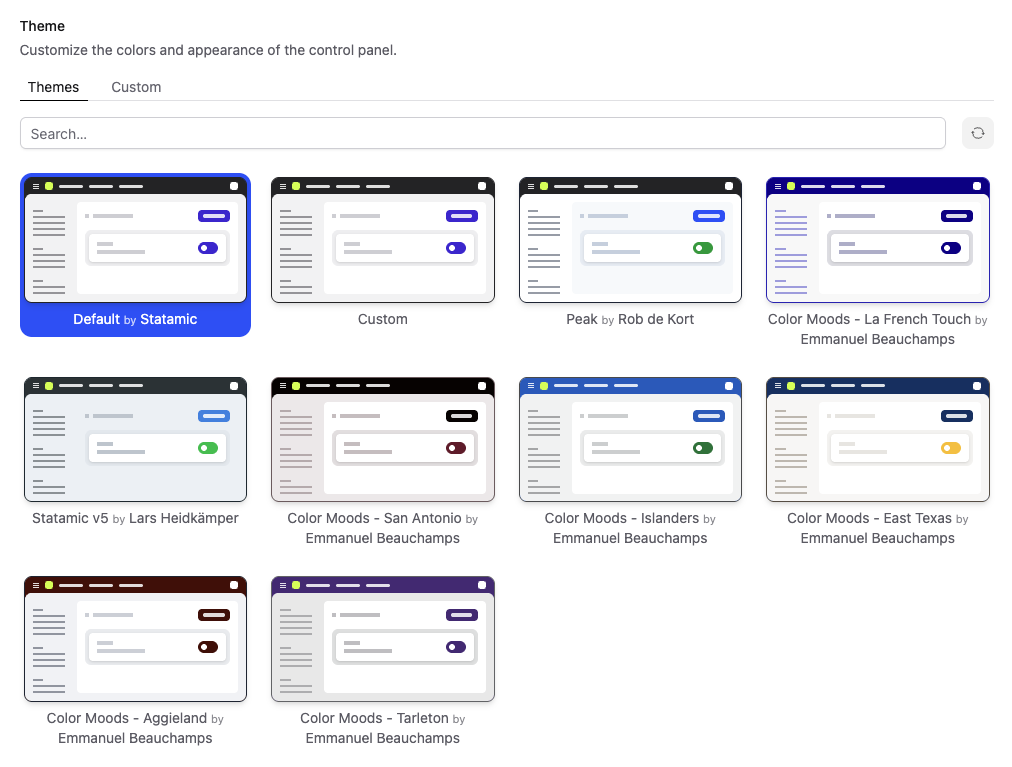
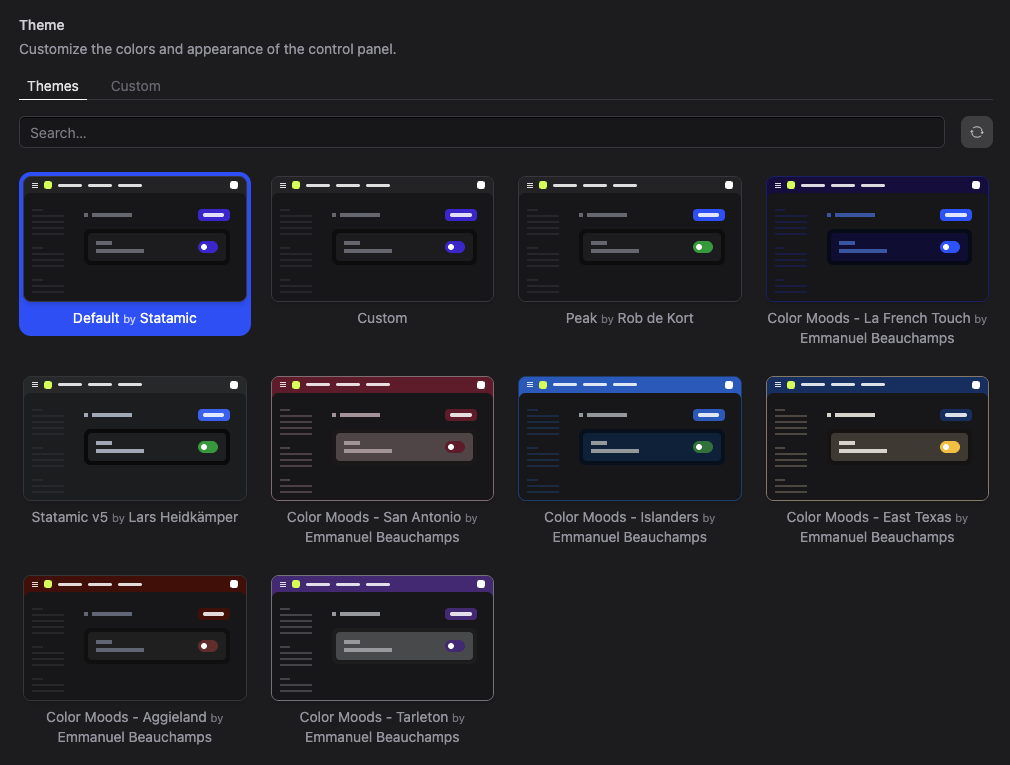
Themes let you control the look and feel of the Control Panel.
Choose from community-made themes, or create your own by assigning colours from the Tailwind palette to each UI role. Selecting a theme previews it instantly, updating the Control Panel in real time.
Custom themes can be shared and published for others to install.
## Adding fields
You may add additional preference fields from within a service provider.
The closure should return an array that has sections (tabs) at the top level, and each section should have a `fields` array that contains all the field definitions.
```php
public function boot()
{
Preference::extend(fn ($preference) => [
'extras' => [
'display' => __('Extras'),
'fields' => [
'color' => [
'type' => 'text',
'display' => __('Color'),
],
'size' => [
'type' => 'select',
'display' => __('Size'),
'options' => [
's' => __('Small'),
'm' => __('Medium'),
'l' => __('Large')
],
],
]
]
]);
}
```
:::tip
If you don't want to put a field in an additional section, you can place it in the `general` section. The tab label will only be visible when there are more than one.
:::
## Getting and setting values
### Using PHP
You can get a preference, with an optional fallback value to be returned if the preference isn't set. This will respect the default/role/user cascade.
```php
Preference::get($key, $fallback);
```
To set a value, you should set it in the respective area, then save it.
```php
Preference::default()->set($key, $value)->save();
$role->setPreference($key, $value)->save();
$user->setPreference($key, $value)->save();
```
### Using JavaScript
You can get and set values using JavaScript too.
```js
this.$preferences.get(key, fallback);
```
Setting values will perform an AJAX request, so you will need to wait until it's completed.
```js
this.$preferences.set(key, value).then(response => {
// do something once the ajax request completes
});
```
:::tip
Setting values from JS can only apply it to the user's preferences.
:::