# How to Install Statamic on Laravel Forge
A full tutorial on how to install Statamic with Forge's 1-Click Installer. For this walk-through, we'll assume you have a [Forge](https://forge.laravel.com) account with a server provisioned.
The Laravel team have made installing Statamic exceedingly simple. Follow these ... steps, and you'll have a Statamic site running that you can log right into.
:::tip
If you _already have_ a Statamic site built, you should switch over to the [Deploying Statamic on Laravel Forge](/deploying/laravel-forge.md) guide.
:::
### 1. Create a new site
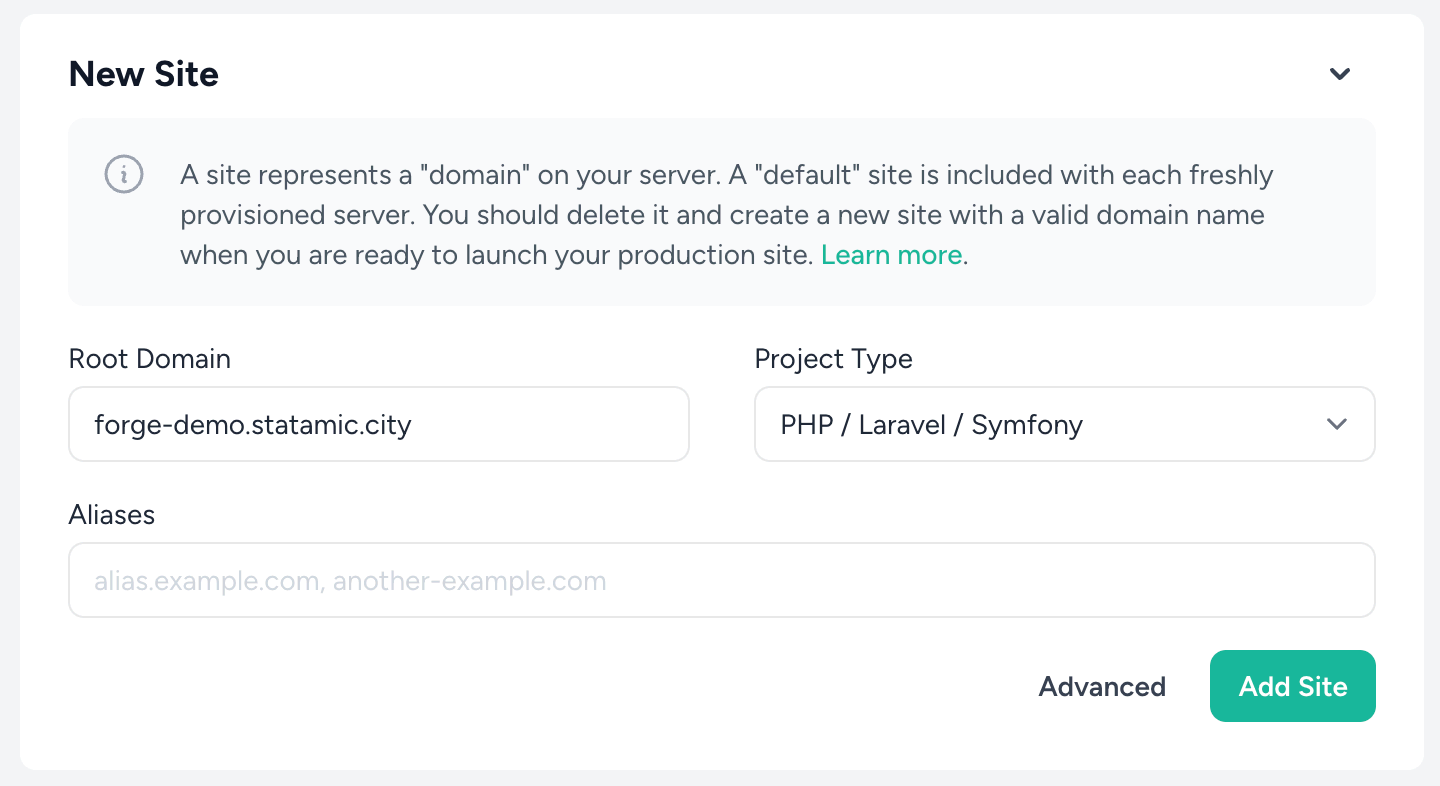
Make sure to select "Statamic" from the "New site" dropdown. Then click on the "Use a starter kit" tab.
You'll first be asked to configure a domain. If you don't have one yet, you can use a `.on-forge.com` subdomain.
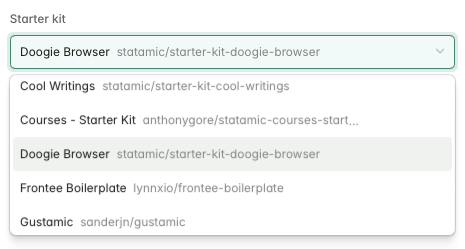
Then, you can pick which Starter Kit you'd like to use. Only free/open-source Starter Kits are available through this workflow, so if you'd prefer one of the paid/commercial kits, you'll need to follow the [local install](/installing/laravel-herd.md) and [Deploy on Laravel Forge](/deploying/laravel-forge.md) guides.
Finally, set up an email and password and click "Create site".
After creating your site, Forge will take a few seconds to configure the necessary services, like Nginx and PHP-FPM, then you'll be able to visit your new site.
### 2. Sign in to your new Statamic site
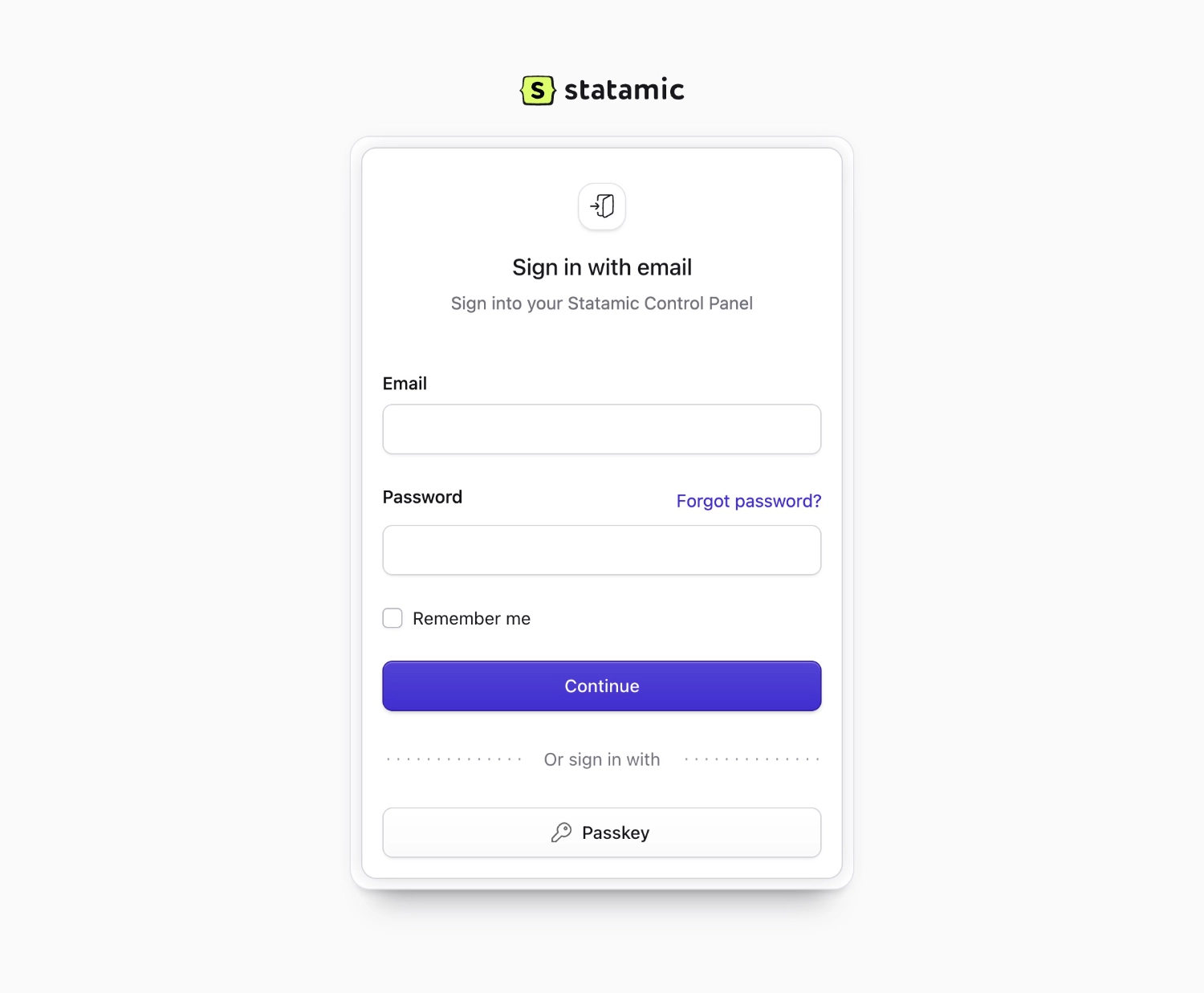
Assuming you've pointed your DNS to this server, all that's left is to head to `yourdomain.com/cp` and sign in to the Statamic Control Panel. The site is yours.
If you see this screen at /cp you've just earned 200 XP!