Elevated Sessions
Elevated Sessions allow you to prompt users for their password or a verification code before being able to take certain actions.
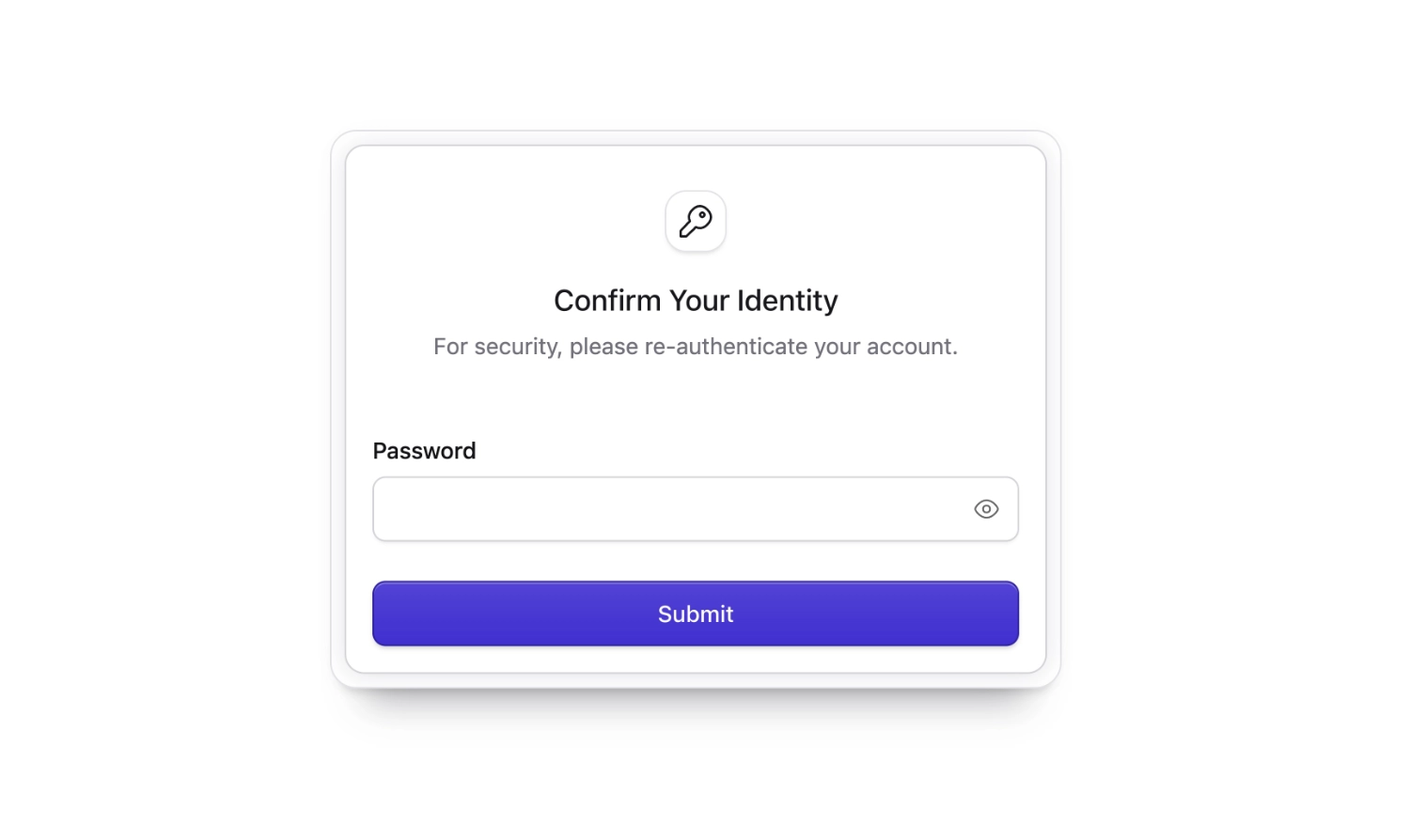
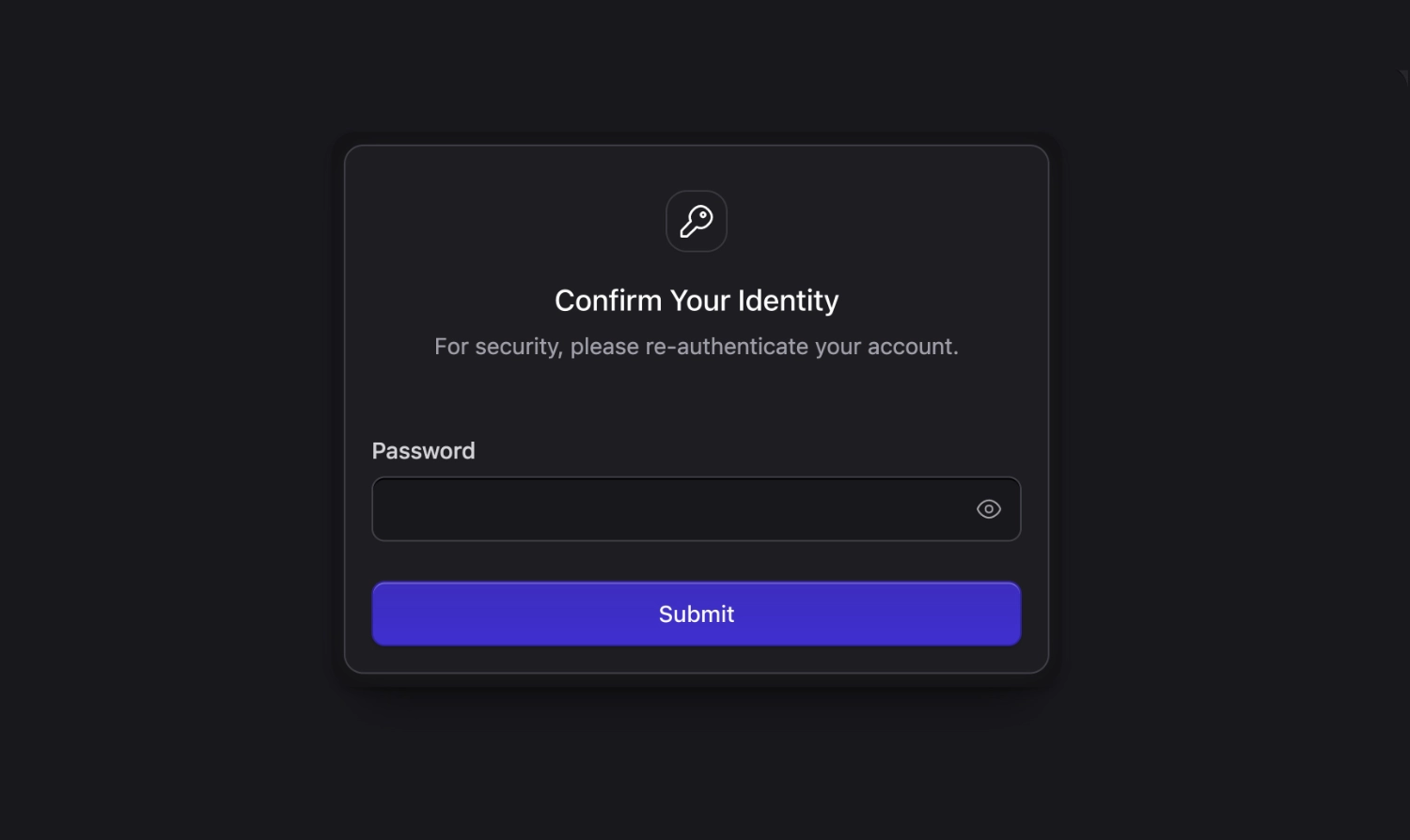
Once you've started an elevated session, you won't be prompted for your password again until the session expires. By default, elevated sessions last for 15 minutes.
Statamic uses elevated sessions before allowing you to update your 2FA settings, edit roles or manage other users. It's trivial to integrate elevated sessions into your own code.
Control Panel#
JavaScript#
You can use the requireElevatedSession function to ensure users are who they say they are before continuing.
When a user needs to verify themselves, a modal will be shown, prompting them to enter their password or a verification code. Once an elevated session has been established, the promise will be resolved and the code in the .then() callback will be run.
If the user closes the modal, the promise will be rejected.
<script setup>
import { requireElevatedSession } from '@statamic/cms';

function submit() {
    requireElevatedSession()
        .then(() => {
            // Your code here. The user has an elevated session.
        })
        .catch(() => {});
}
</script>
We also provide a requireElevatedSessionIf function allowing you to conditionally require elevated sessions, like this:
<script setup>
import { requireElevatedSessionIf } from '@statamic/cms';
import { ref } from 'vue';

const isEditingOwnProfile = ref(true);

function submit() {
    requireElevatedSessionIf(!isEditingOwnProfile.value)
        .then(() => {
            // Your code here. The user has an elevated session.
        })
        .catch(() => {});
}
Middleware#
The easiest way to require an elevated session in PHP is by adding the RequireElevatedSession middleware to your routes.
+use Statamic\Http\Middleware\CP\RequireElevatedSession::class;
 Route::get('profile', [ProfileController::class, 'index'])
+  ->middleware(RequireElevatedSession::class);
The middleware will redirect the user to a page where they can confirm their password. After that, they'll be redirected back to your route.
Controller#
You can also require an elevated session in your controller by calling the requireElevatedSession() method.
  use Statamic\Http\Controllers\CP\CpController;

  class ProfileController extends CpController
  {
      public function update()
      {
          $isEditingOwnProfile = true;

          if (! $isEditingOwnProfile) {
 +            $this->requireElevatedSession();          }

         // ...
     }
 }
When the user doesn't have an elevated session, they'll be redirected to a page where they can confirm their password. After that, they'll be redirected back to your route.
Your controller will need to extend Statamic's CpController in order to use the requireElevatedSession() method.
Frontend#
Elevated sessions can also be used to protect sensitive actions on your frontend. To learn more, visit the {{ user:elevated_session_form }} docs.
Disabling Elevated Sessions#
If you're using a third-party authentication provider (such as OAuth or SSO) and password re-confirmation isn't applicable to your setup, you can disable elevated sessions entirely.
Set STATAMIC_ELEVATED_SESSIONS_ENABLED=false in your .env file, or set the corresponding option in config/statamic/users.php:
'elevated_sessions_enabled' => env('STATAMIC_ELEVATED_SESSIONS_ENABLED', true),
When disabled, the RequireElevatedSession middleware and requireElevatedSession() controller method are bypassed, the related routes are not registered, and users will never be prompted to reauthorize.