Control Panel Overview
The Statamic Control Panel is where you manage everything that makes your site… well, your site. It's the admin interface you use to create and edit content, manage users and permissions, tweak settings, access utilities, and interact with addons — all without needing to touch the filesystem directly
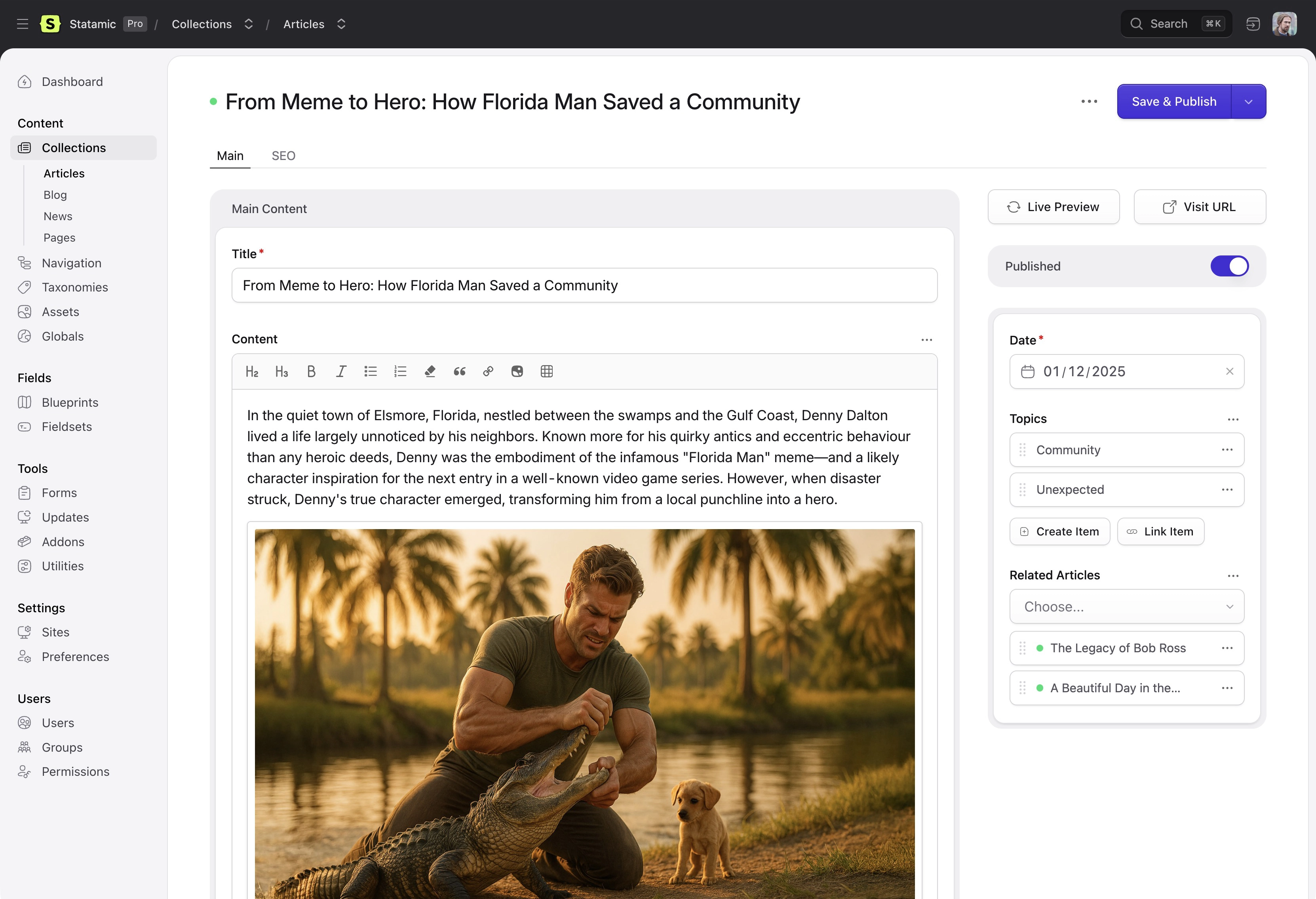
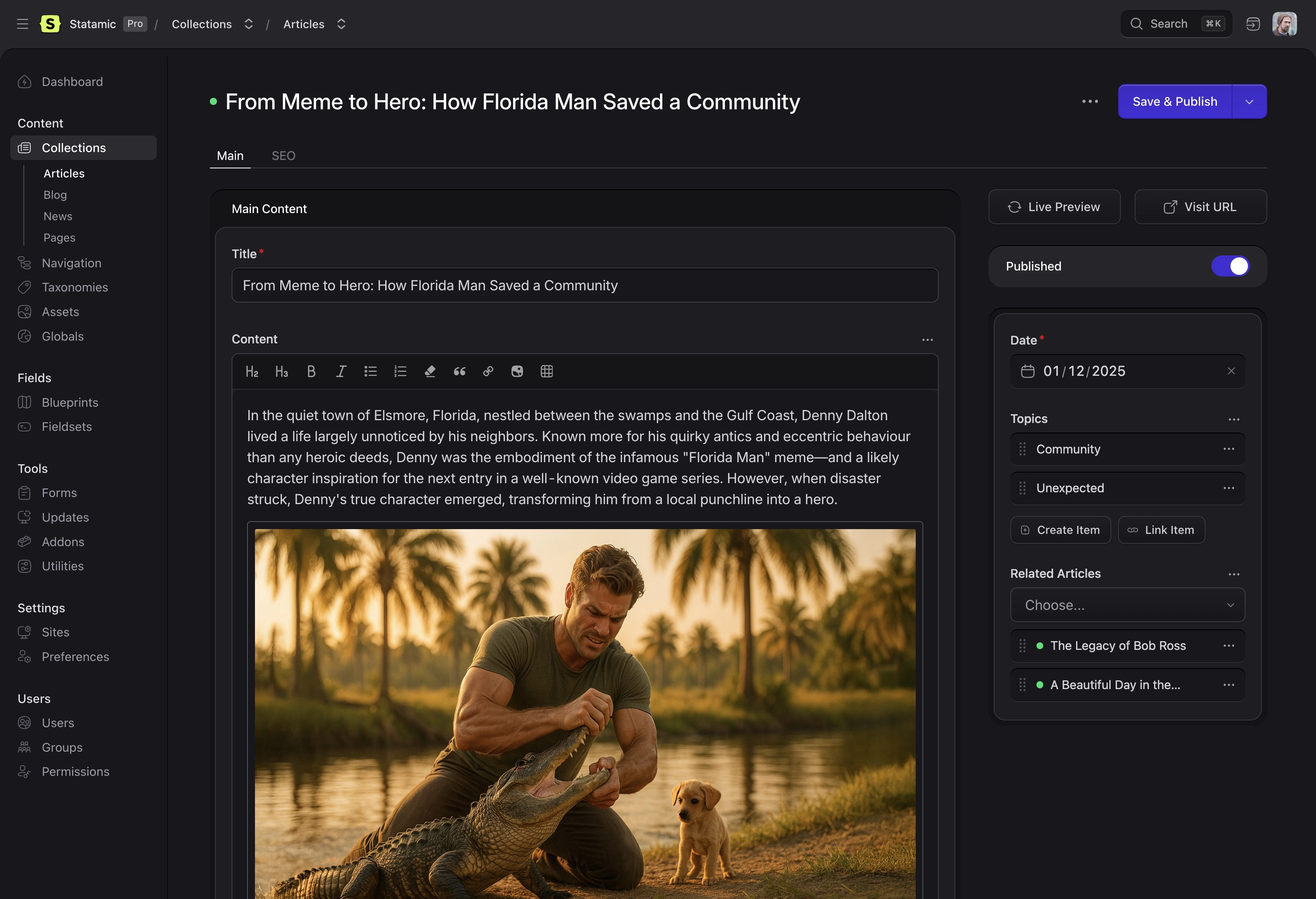
The control panel is built to be fast, modern, and flexible — and it gets a lot smarter in v6 with things like a command palette and updated UI patterns designed for real editors and developers alike.
Below is a quick explanation of the major areas you'll see once you're logged in.
Dashboard#
The first screen you see after signing in is the Dashboard — a customizable area where you can add widgets for things you care about: recent entries, scheduled content, form submissions, updates, shortcuts, and more. Configure it once and it becomes your command center.
Content Management#
This is where the magic happens. Collections organize your content types — blog posts, pages, products, whatever you need. Each collection can have multiple blueprints defining different field structures, and you can use globals for site-wide content that appears everywhere.
The Asset Browser handles all your files — images, documents, videos — with built-in image editing, organization, and optimization tools.
Users & Permissions#
The Users section lets you create, manage, and invite people who can log into the control panel. Roles and permissions let you control what each user or role can see and do, from read-only editors to full administrators.
Command Palette#
Hit cmd+k (or ctrl+k on Windows/Linux) and the Command Palette pops up — a quick way to navigate around the control panel, jump right into editing specific entries, and run actions without clicking through menus. It's like Spotlight for your CMS.
Saving with the Keyboard#
Hit ⌘ S (or Ctrl S on Windows/Linux) to save whatever you're working on. When you're editing in a stack, it depends on what you're doing:
| Where | ⌘ S | ⌘ ⇧ S |
|---|---|---|
| Small, narrow stacks, like editing a navigation page | Save and close | Same |
| Creating something new in a stack, like a related entry | Save and close | Same |
| Editing something that already exists in a stack, like a related entry, term, user or asset | Save and keep the stack open | Save and close |
Hover over the Save button in a stack to see which shortcut closes it.
Preferences#
Every user can adjust their own Preferences — like theme (light/dark), start page, locale, and more, while admins can also set defaults or role-based preferences. Make the control panel work the way you work.
Forms & Submissions#
Forms let you collect data from your site visitors — contact forms, newsletter signups, surveys, whatever. All submissions are stored in the control panel where you can view, export, or process them however you need.
Content Tools#
The control panel includes powerful tools that make content work easier:
Live Preview — see your changes as you write, with real-time updates as you edit.
Git Automation — manage how content updates sync with your Git workflow, keeping your content and code in sync.
Revisions — create versions of your content, track changes, and easily rollback to previous versions of your entries.
Utilities — standalone tools with their own screens and permissions, like the Cache Manager, PHP Info Viewer, and Email Config.
Multi-Site, Translations, Conditional Fields, Elevated Sessions, White Labeling, and more — all features that let you shape the CP experience to your needs.
Navigation & Extensibility#
Statamic's control panel nav is not set in stone. You can customize what editors see, hide sections they don't need, reorder items, and if you're building addons you can extend or add your own control panel navigation items. The control panel adapts to your workflow, not the other way around.