Icon Fieldtype
Give your users a list of icons to choose from. This field supports search and keyboard commands, and can be configured to use your own icons or ones managed by Statamic.
Overview#
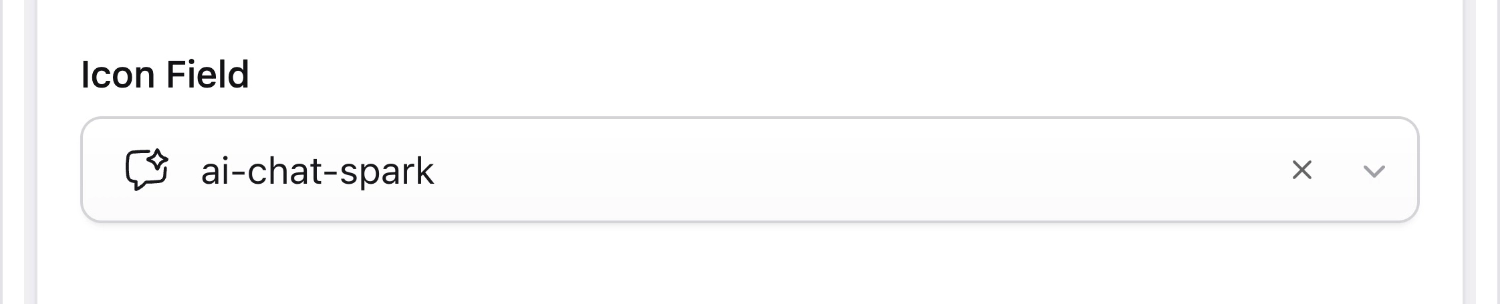
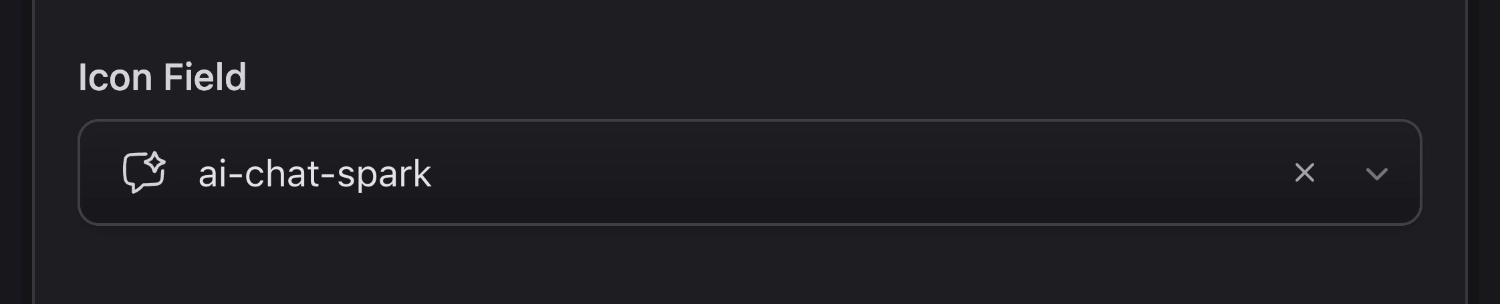
The Icon field allows you to easily select icons from the Control Panel's default list, or define the path to the directory and/or folder of your own that contains SVG icons.
It has a very minimal UI which will help streamline your Blueprints and help authors build pages faster with less clicks.
Templating#
Icon fields return inline string of the selected SVG icon.
{{ icon }}
{!! $icon !!}
<svg viewBox="0 0 24 24"><path fill="currentColor" d="M11.983 0a12.206 12.206 0 0 0-8.51 3.653A11.8 11.8 0 0 0 0 12.207C-.008 18.712 5.26 23.992 11.765 24h.249c6.678-.069 12.04-5.531 11.986-12.209C24.015 5.293 18.76.013 12.262-.003L11.983 0zM10.5 16.542a1.475 1.475 0 0 1 1.421-1.529l.028-.001h.027c.82.002 1.492.651 1.523 1.47a1.475 1.475 0 0 1-1.419 1.529l-.03.001h-.027a1.53 1.53 0 0 1-1.523-1.47zM11 12.5v-6a1 1 0 0 1 2 0v6a1 1 0 0 1-2 0z"></path></svg>
Icon Sets#
By default, the Icon fieldtype uses Statamic's built-in icons. However, you can register a custom icon set in your AppServiceProvider and specify it in the field's config.
 // AppServiceProvider.php
+use Statamic\Facades\Icon; +Icon::register('heroicons', base_path('resources/heroicons'));
-
handle: favourite_icon
field:
type: icon
+ set: heroicons UI Mode#
By default, the Icon field displays a searchable dropdown. Setting mode to compact swaps this out for a single icon-only button that opens a modal picker, saving vertical space in your publish forms.
 -
   handle: favourite_icon
   field:
     type: icon
+    mode: compact
Options
set
Name of a custom icon set. Uses Statamic's icon set by default.
default
Set the default option key. Default: none.
mode
Choose between default (dropdown) and compact (icon picker) UI modes. Default: default.